
If your daily work involves just a few tasks at a time, there’s no reason to invest in a high-end machine designed to handle dozens of demanding workloads simultaneously.

The goal isn’t to buy the most powerful laptop available. The goal is to buy the right laptop for your needs.
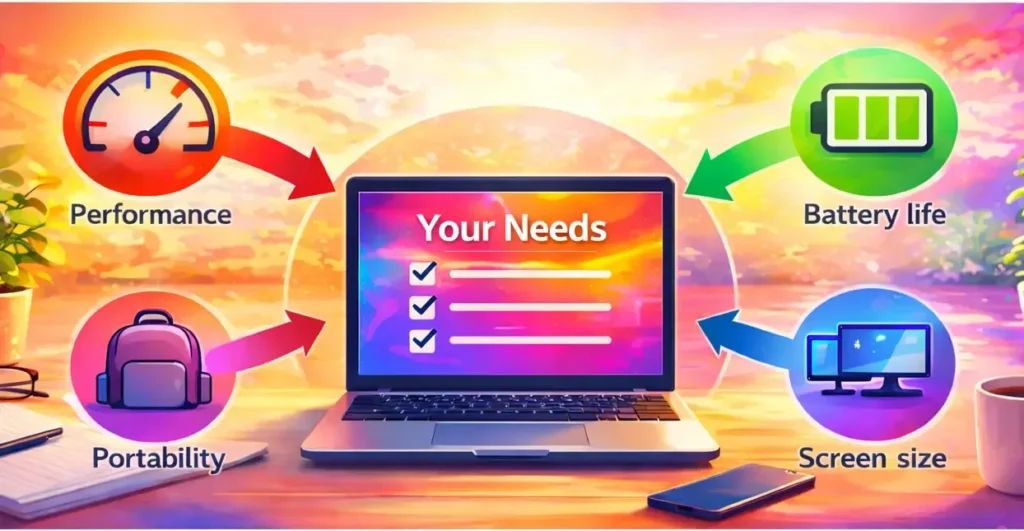
Everyone’s requirements are different, which means only you can weigh the trade-offs between performance, portability, screen size, and budget.
This guide is here to help you understand those choices — so you can make a confident, practical decision based on how you actually use your laptop.
🟡 Step 1: Define What You Actually Use Your Laptop For
Before looking at specifications, brands, or prices, ask yourself one simple question:
What do I actually use my laptop for every day?
Be honest. Not what sounds impressive — but what you truly use it for.
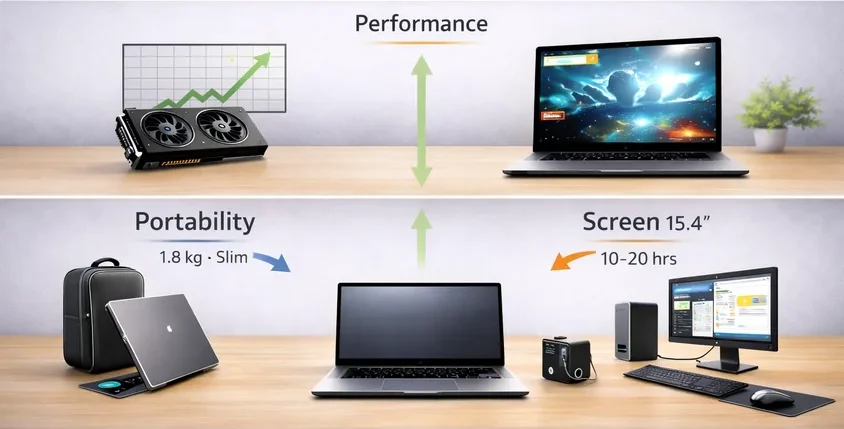
Check what applies to you:
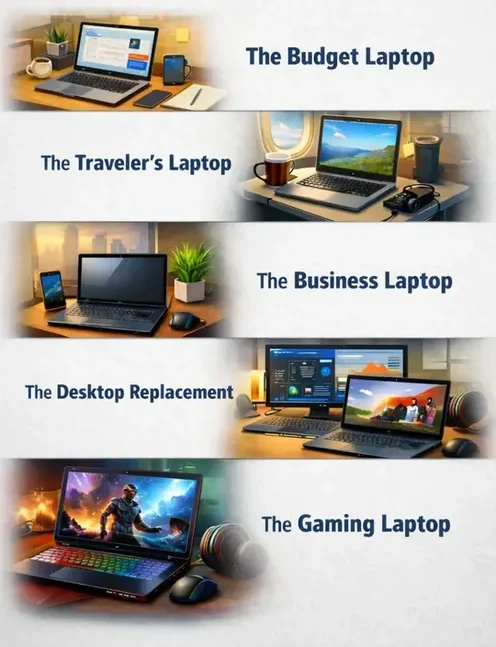
✔️ Basic tasks (browsing, email, streaming, documents)
💼 Professional work (business software, spreadsheets, meetings)
✈️ Travel and remote work
🖥️ Replacing a desktop at home
🎮 Gaming
🎨 Creative or demanding software
Your daily usage determines your starting point.
If you mainly browse the web and work with documents, you do not need a high-performance gaming machine.
On the other hand, if you edit video or play modern games, a basic laptop will quickly reach its limits.
Your usage is your starting point — everything else builds from there.
🟣 Step 2: Decide What Matters Most (This Is Where Everything Comes Together)
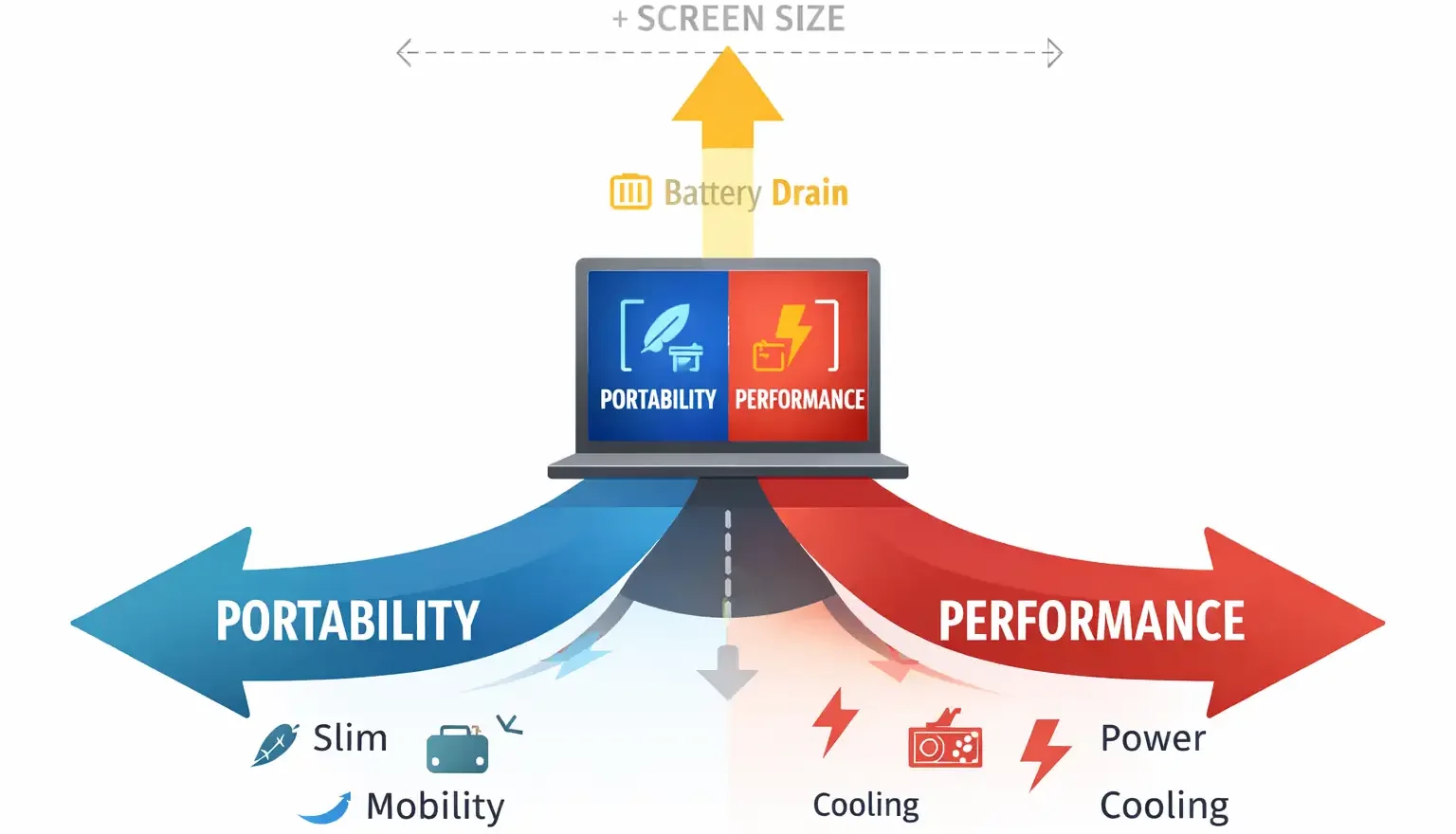
Every laptop decision involves trade-offs.
The key is not finding a perfect laptop.
The key is deciding what matters most to you.
🟠 Performance vs Portability
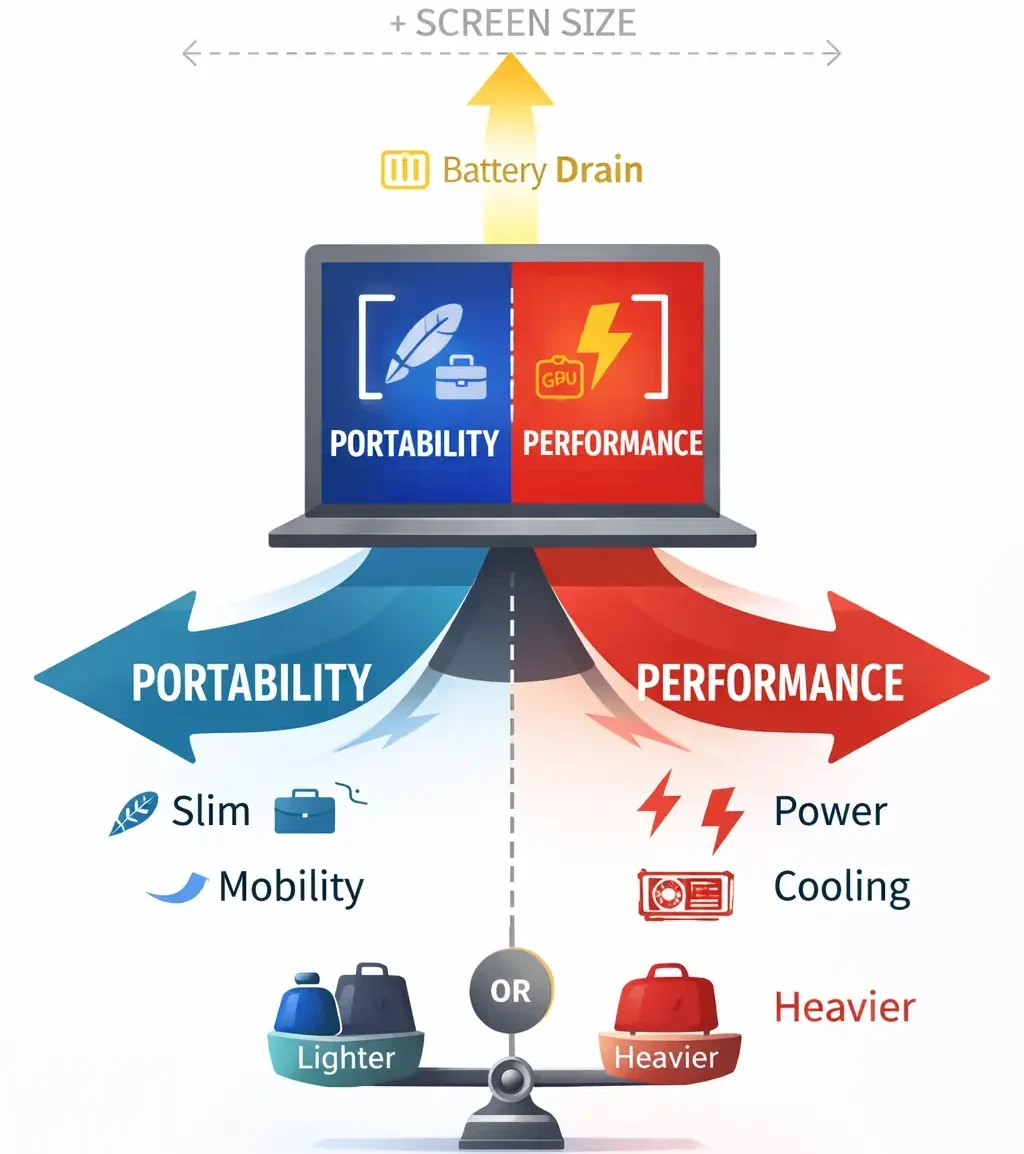
If you want maximum performance for gaming or demanding workloads, you will likely choose a larger, heavier laptop with stronger cooling.
That often means:
But portability doesn’t disappear — it simply changes.
You might carry a larger backpack, use a high-capacity power bank, or choose a lighter high-performance model with slightly less cooling headroom.
Ultimately, it depends on what matters more to you.
🔵 Screen Size vs Mobility
Larger laptops often function as desktop replacements, offering:
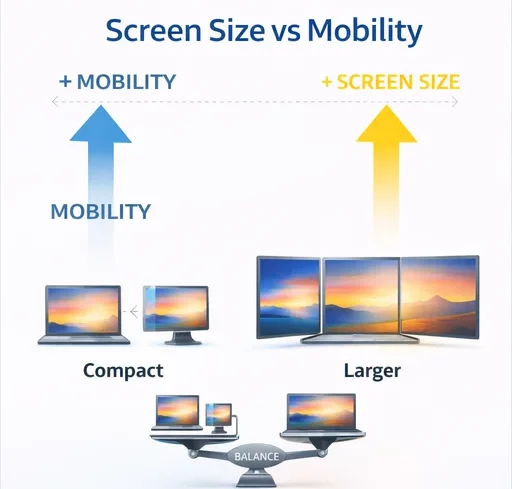
If screen space and productivity matter most, this category makes sense.
If portability matters more, staying within the 13–14 inch range keeps your laptop compact and easy to carry.
If both matter equally, some people adapt their setup with portable monitors or docking stations when working from a desk.
You don’t eliminate options — you balance them.
🟢 Battery Life vs Power
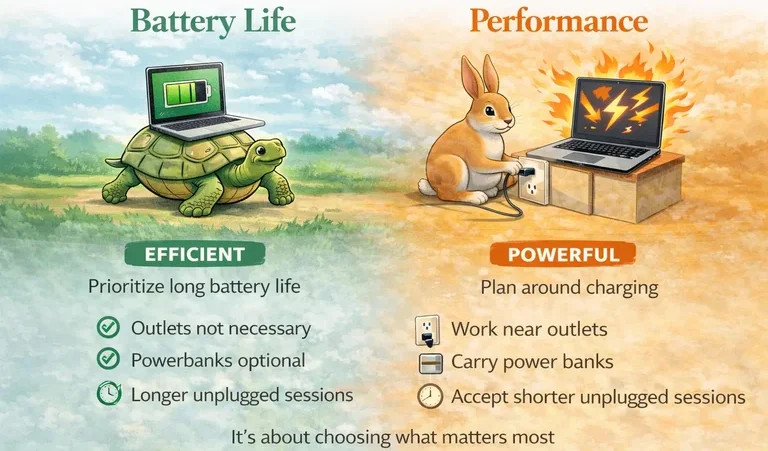
High-performance laptops naturally consume more power.
If long battery life matters most, you prioritize efficiency.
If performance matters more, you plan around charging:
Again — it’s not about limitation. It’s about choosing what matters most.
🟡 Budget Is Part of the Equation
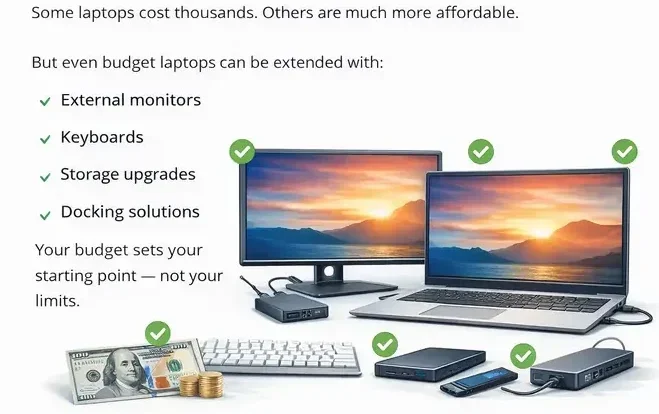
Some laptops cost thousands, while others are far more affordable.
But even budget laptops can be extended with external monitors, keyboards, storage upgrades, or docking solutions.
Your budget sets your starting point, not your limits.
🟣 Step 3: Set a Realistic Budget Range
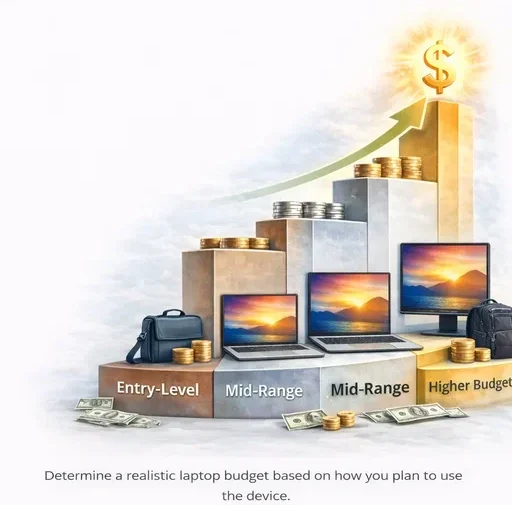
Instead of asking “What’s the best laptop?”, ask:
“What can I reasonably invest based on how I use it?”
As a general guideline:
Spending more only makes sense if your workload actually requires it.
Pay for what you will use — not what looks impressive on paper.
🟠 Step 4: Match Your Answers to the Right Category
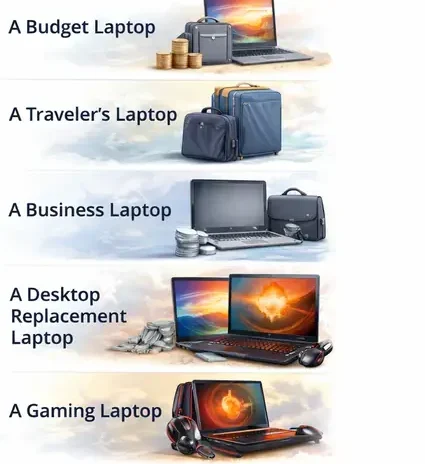
Now bring everything together. If your priorities are:
If you'd like a deeper understanding of the different laptop categories, read the different types of laptops explained . This checklist simply helps you decide where you belong.
🔵 Common Mistakes to Avoid
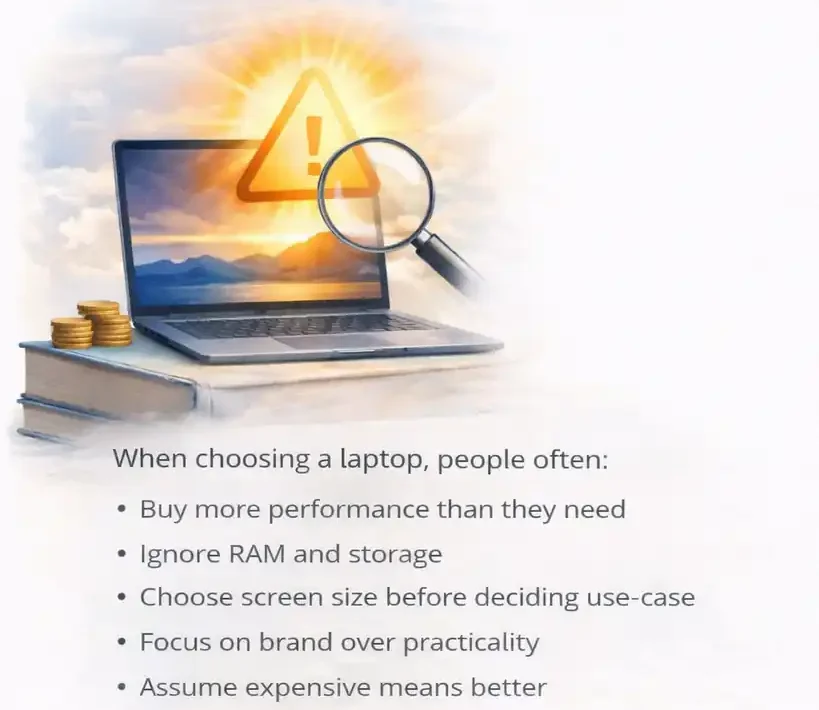
When choosing a laptop, people often:
More expensive does not automatically mean better for your situation.
Better means aligned with your needs.
🟢 When Your Priorities Start to Collide
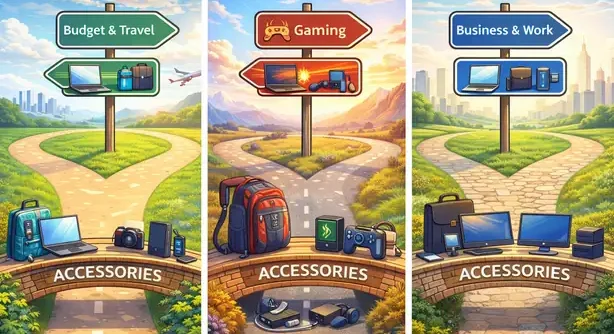
Sometimes you may reach a point where two priorities matter equally. You might want a laptop that is light and easy to carry, but also powerful enough to handle demanding workloads.
Or you may want a larger screen for productivity, while still keeping the laptop compact enough to travel comfortably.
These moments are where many people feel stuck, because it can seem like choosing one priority means sacrificing the other.
In reality, this tension is normal.
Laptops are designed around a balance of several competing factors: performance, portability, battery life, cooling, and screen size. Improving one area often affects another, which is why different laptop categories exist in the first place.
Understanding this balance is an important step in choosing the right laptop. Once you recognize which priorities matter most to you, the decision becomes much clearer.
🟡 Final Thought: Everything Can Be Adjusted
Here’s the most important thing to understand:
Almost everything can be adapted.
What you cannot change is your priorities. Only you can weigh your pros and cons.
Only you know what matters most in your daily life.
It’s the one that fits your needs — and the trade-offs you are comfortable making.