Laptops don’t come in many shapes — but they do come in very different sizes, power levels, and use cases.
Over the years, laptops have evolved into highly specialized tools. Some are designed for basic everyday tasks, others for constant travel, business reliability, creative work, or high-performance gaming. Yet many people still buy laptops without fully understanding which category they actually fall into.
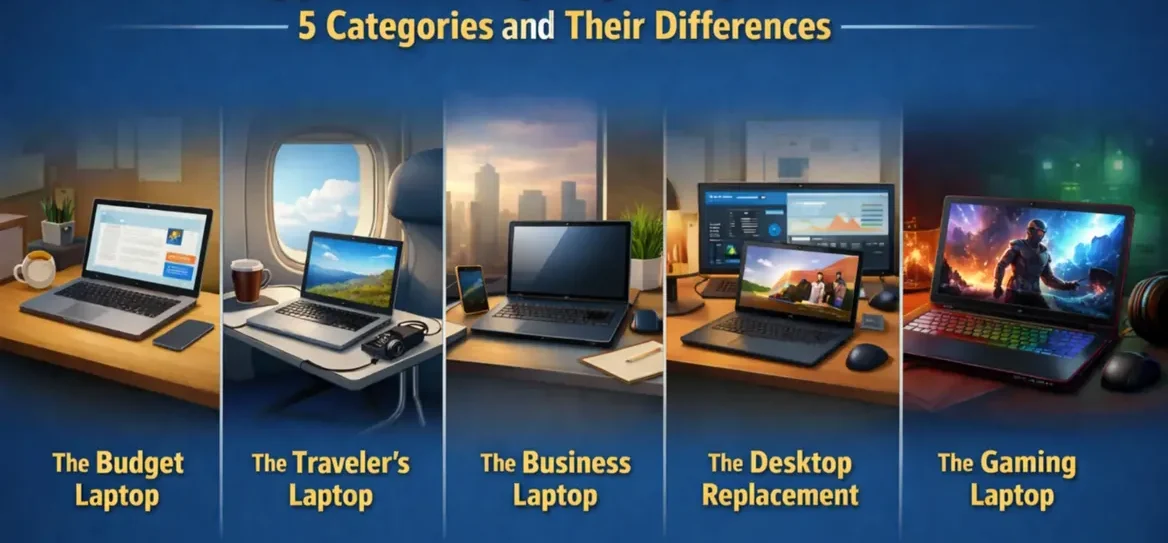
In this guide, I break laptops down into five practical categories:
- The Budget Laptop
- The Traveler’s Laptop
- The Business Laptop
- The Home Desktop Replacement Laptop
- The Gaming Laptop
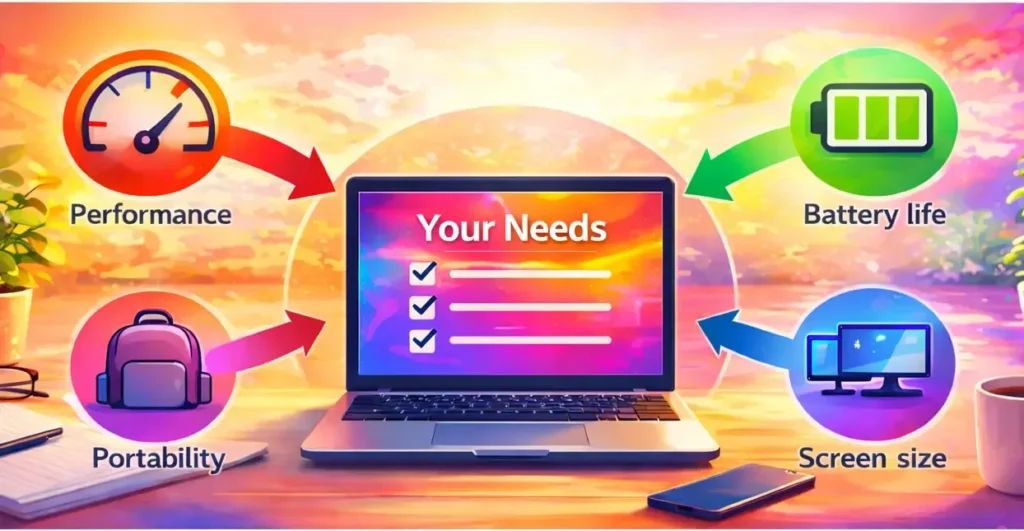
This post isn’t about helping you choose the perfect laptop — that will be covered in a separate guide. Instead, the goal here is to explain what each category is designed for, how they differ, and where each one fits in real-world use.
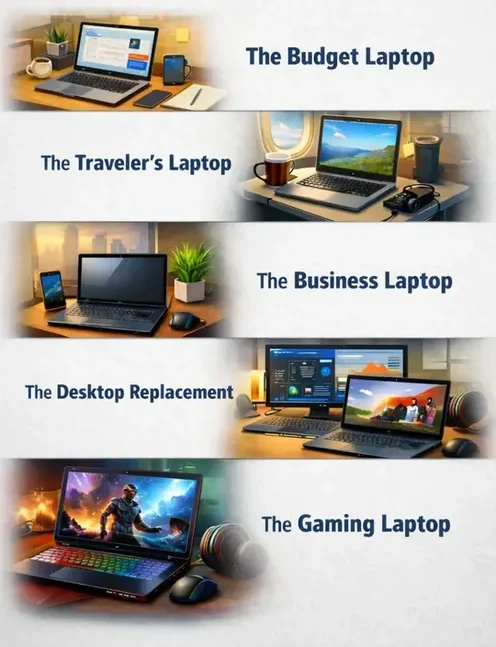
Before we dive in, here’s a breakdown of the main laptop categories and what each one is actually built for.
What Is a Budget Laptop?
A budget laptop is designed for everyday tasks — not heavy workloads.
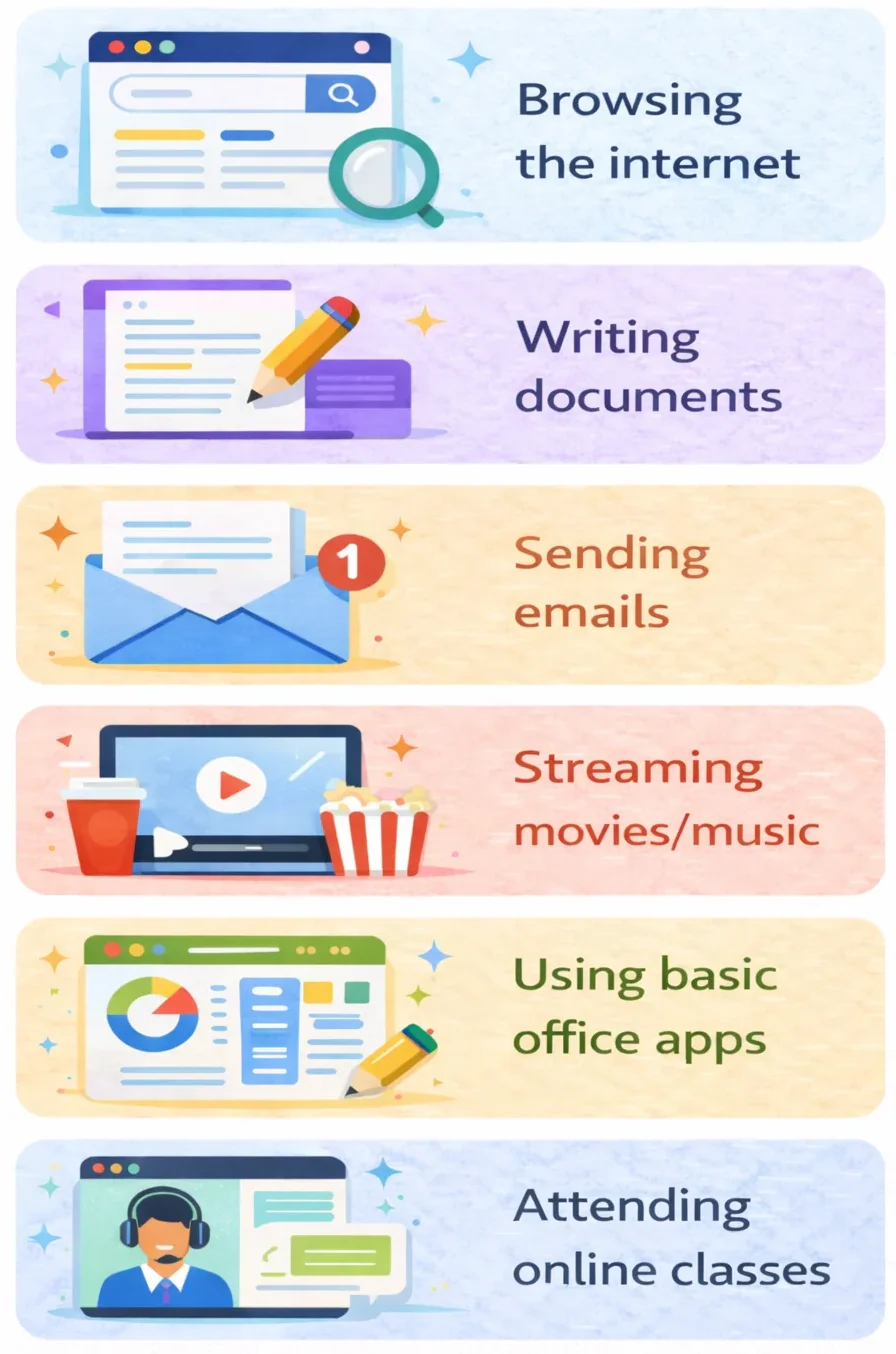
It’s built for people who mainly browse the internet, check email, write documents, attend online meetings, stream videos, and handle light office work.
If your needs are basic and you’re not editing videos, gaming, or running demanding software, this category is usually more than enough.
These laptops focus on affordability while still offering decent performance for daily use.
They typically come with modest processors, integrated graphics, and practical storage — but modern budget laptops are far more capable than many people expect.
Even entry-level machines today outperform high-end laptops from years ago.
This category is ideal for students, writers, casual users, and anyone who simply needs a reliable computer without paying for power they’ll never use.
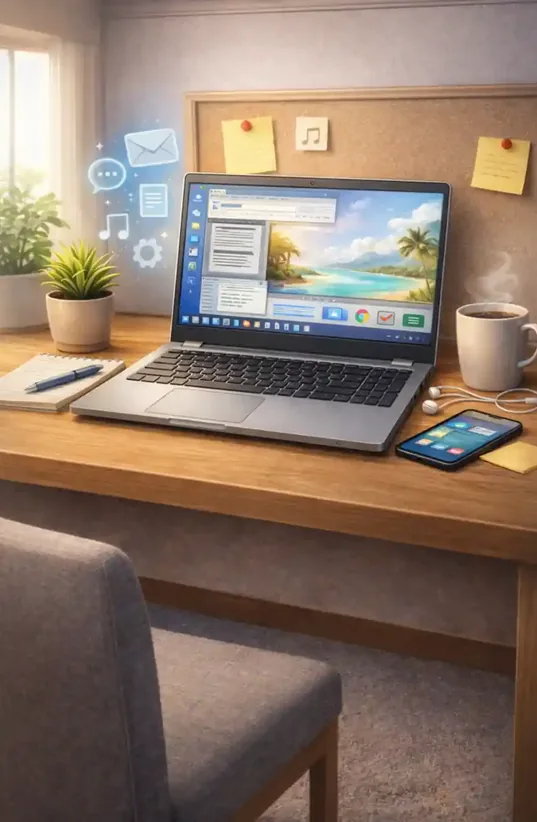
A budget laptop won’t replace a workstation or gaming machine — but for everyday productivity, it gets the job done.
What Can You Actually Do on a Budget Laptop?
While it’s not designed for high-performance work, it comfortably handles the kinds of activities most people use a computer for on a daily basis.
Here’s what you can realistically do:
- Browsing the internet
- Writing documents and assignments
- Sending and receiving emails
- Using basic office applications
- Streaming movies or music
- Attending online classes or meetings
- Managing social media
For writers, students, home users, and light remote workers, this is often more than enough. If your day mainly revolves around documents, research, communication, and web-based tools, a budget laptop can handle that workload without issue.
Where people run into problems is when they expect a budget laptop to behave like a gaming or creative workstation. That’s simply not what this category was designed for.
Who Is a Budget Laptop For?
A budget laptop is ideal for people whose work and daily activities don’t demand heavy processing power.
This category is well suited for:
- Students and learners
- Writers and bloggers
- Casual home users
- Families sharing a computer
- People working online with basic tools
- Anyone who mainly uses web-based applications
If your tasks revolve around documents, browsing, communication, and light productivity, a budget laptop is often all you need.
That experience taught me something important: a laptop doesn’t need to be powerful to be useful. It just needs to match what you actually do.

What a Budget Laptop Is NOT Designed For
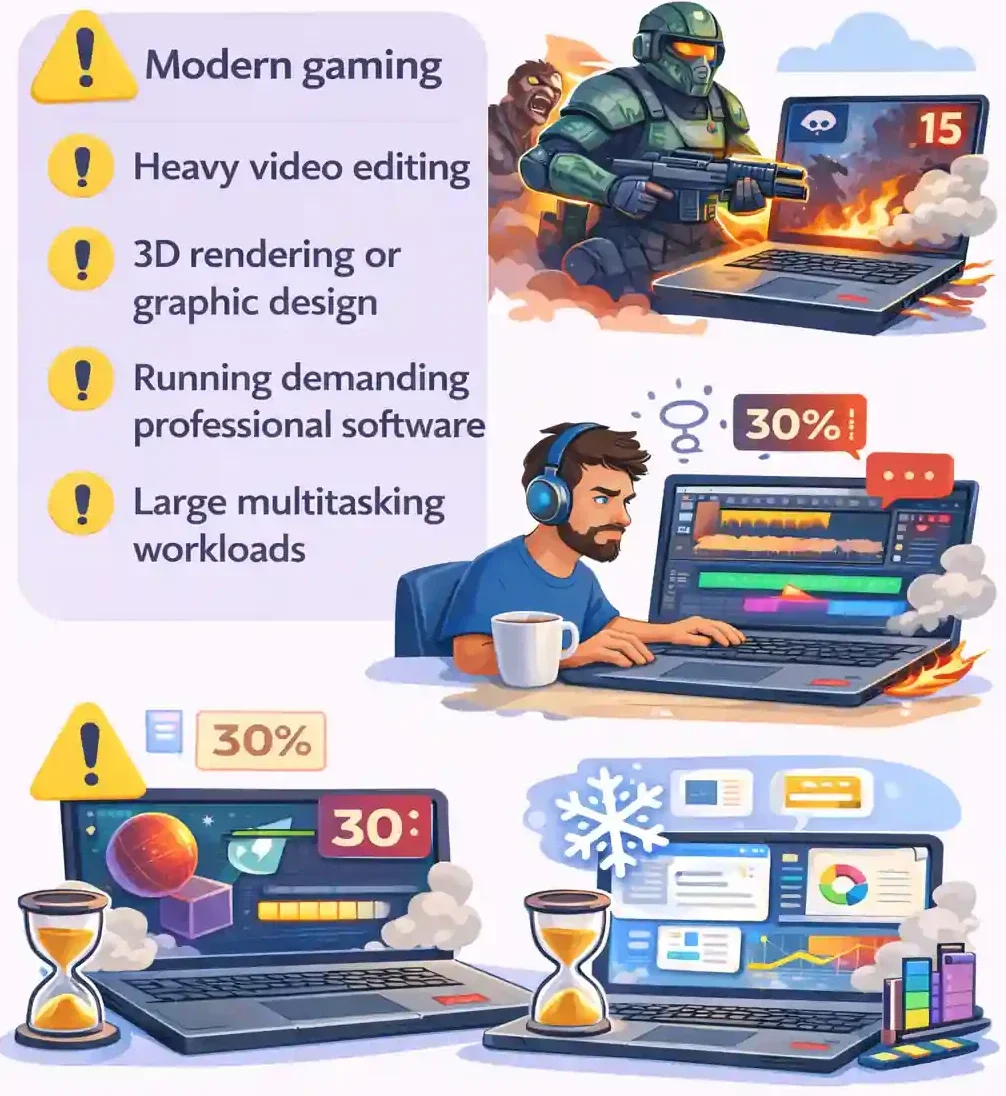
While budget laptops are great for everyday productivity, they have clear limits.
They are not designed for:
- Modern gaming
- Heavy video editing
- 3D rendering or graphic design
- Running demanding professional software
- Large multitasking workloads
These laptops typically use integrated graphics and entry-level processors, which are perfectly fine for basic tasks but struggle with graphics-heavy or performance-intensive work.
This doesn’t make them bad laptops — it simply means they’re built for a different purpose.
Understanding this upfront prevents frustration later.
It also helps you avoid overspending on performance you don’t actually need.
Modern budget laptops are far better than you think
Years ago, laptops were expensive and often came with single-core processors. Those days are long gone.
Most new budget laptops easily outperform what used to be considered “high-performance” machines a decade ago.
If you buy a new entry-level laptop today, it will not be single-core — and it will almost always come with an SSD instead of the old traditional hard drive, making everyday tasks feel surprisingly responsive.
Most people don’t need extreme performance — they need something practical, reliable, and affordable.
Minimum Specs That Actually Matter
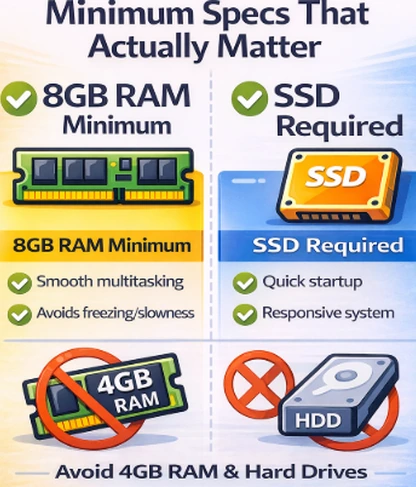
If you’re considering a budget or entry-level laptop, there are two core specs you should never compromise on:
- At least 8GB of RAM
- I recommend 16GB of RAM
- An SSD (solid-state drive), not a traditional hard drive
Four gigabytes of RAM might have worked years ago, but modern operating systems and applications demand more. Anything below 8GB will quickly feel slow and frustrating.
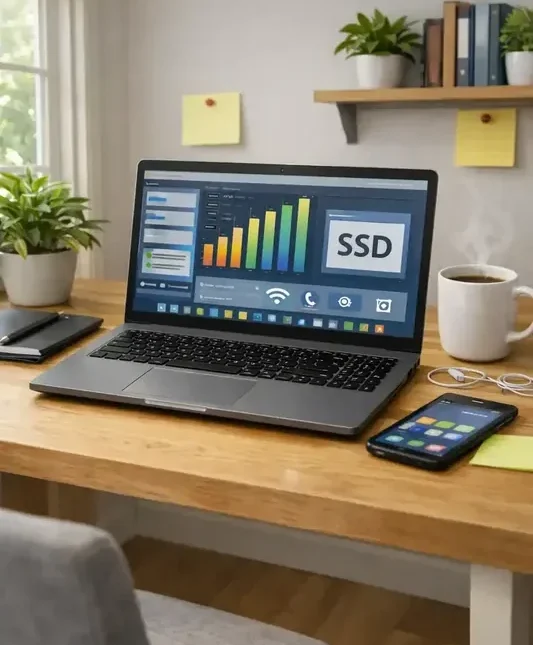
An SSD makes a massive difference to startup times and overall responsiveness. Even a modest processor feels noticeably faster when paired with solid-state storage.
If your work involves writing, browsing, emails, or light online tasks, these two features matter far more than chasing higher-end processors.
The Traveler’s Laptop (Laptop for Travel Work)

If you work while moving between cities, countries, or continents, your laptop needs to do more than just work — it needs to travel well.
The traveler’s laptop is built for people who are frequently on the move:
Travel introduces variables most setups never deal with: limited space, inconsistent power access, and constantly changing environments.
Unlike a laptop that stays mostly at home, this category prioritizes portability, battery life, and flexibility — making it ideal for travel work and working remotely on the go.
What Is a Traveler’s Laptop?

A traveler’s laptop is a portable, battery-efficient computer designed specifically for working while moving between locations — not from a fixed desk setup.
It’s built to handle everyday work tasks reliably in changing environments such as cafés, airports, flights, hotels, and shared workspaces.
Unlike larger or performance-focused machines, a traveler’s laptop is optimized for mobility. It prioritizes staying light, lasting longer on battery, and remaining easy to use in tight or unpredictable spaces.
It’s not designed for heavy workloads like gaming or advanced creative work — it’s designed to keep you productive wherever you are, without depending on ideal conditions.
Why This Category Exists

When you travel, your working environment changes constantly:
Power outlets aren’t always available. Workspace is often limited. Comfort isn’t guaranteed.
👉 This is where a standard laptop starts to feel limiting.
A device that works perfectly at home can quickly become frustrating when you’re constantly on the move.
The traveler’s laptop exists to remove those friction points — so your workflow stays consistent when working remotely while traveling.
What Makes a Laptop Good for Travel?
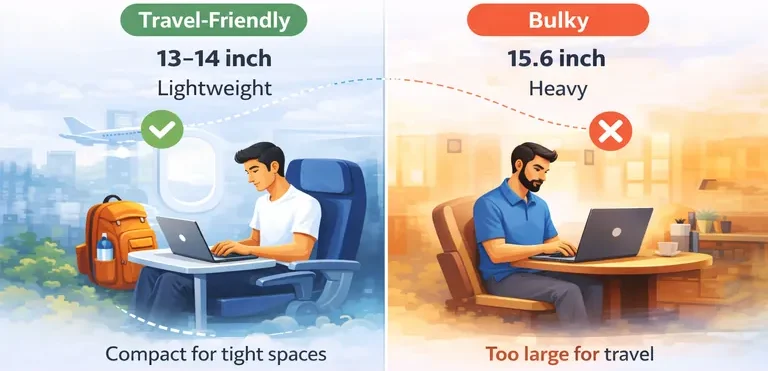
A laptop suited for travel work isn’t defined by raw power — it’s defined by how well it adapts to movement and changing environments.
These aren’t premium features — they’re what make working remotely while traveling practical and sustainable.
Who is the Traveler’s Laptop for?

This category is ideal for people who rely on a laptop for travel work and working remotely across multiple locations:
👉 If your laptop lives in a backpack or carry-on bag, this is your category.
Where the Traveler’s Laptop Fits (Budget vs Business)

A traveler’s laptop often sits between a budget laptop and a business laptop — and that’s why this category can be confusing.
Some traveler laptops are simple, lightweight machines used mainly for convenience while on the move. They’re good for watching movies, browsing the web, checking social media, and handling other light tasks during trips.
Others are used for actual work while traveling. In that case, the laptop needs more than portability. It also needs enough performance, battery life, and reliability to support remote work without frustration.
That’s where the overlap with business laptops begins.
Most people who work while traveling are still using their laptop for business-related tasks. The difference is that a traveler’s laptop prioritizes mobility first, while a business laptop prioritizes professional reliability first.
In simple terms:

👉 A traveler’s laptop is defined by mobility — but once work becomes the priority, it often overlaps with business-class laptops.
Travel Laptop Trade-Offs (What to Expect)

Traveler laptops are designed around mobility — and that comes with intentional trade-offs.
These aren’t limitations — they’re deliberate choices to improve portability, battery life, and usability when working remotely while traveling.
👉 Trying to force high-performance workloads into this category usually creates more problems than it solves.
When a Traveler’s Laptop Is the Wrong Choice
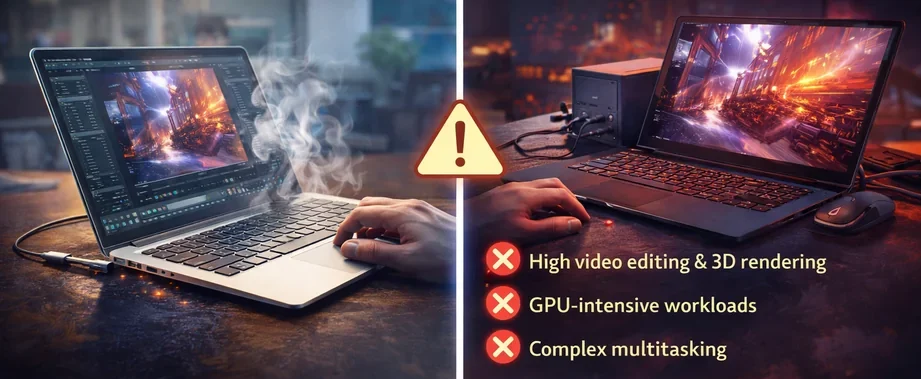
A traveler’s laptop is designed for mobility — not maximum performance.
That makes it ideal for remote work, but not for every type of workload.
These tasks demand sustained performance, stronger cooling systems, and higher power output — things lightweight travel laptops are not built for.
Trying to run heavy workloads on a thin, portable device often results in slower speeds, thermal throttling, and an overall frustrating experience.
👉 If your work depends on consistent high performance, a traveler’s laptop will feel limiting rather than freeing.
Final Thought: You Don’t Need Maximum Power

Most people don’t need extreme performance for travel work or working remotely while traveling.
They need:
That’s it.
If your laptop opens quickly, runs smoothly, and lasts through your workday, it’s doing exactly what a traveler’s laptop is meant to do.
👉 A traveler’s laptop isn’t about maximum performance — it’s about giving you the freedom to work anywhere without friction.
The Business Laptop (Built for Professional Work)
A business laptop isn’t about flashy design or chasing the latest specs. It’s built for reliability, productivity, and consistent performance in daily professional work.
These machines are designed to handle real-world business tasks without slowing down, overheating, or breaking down after extended use.
👉 If your laptop is a tool you depend on for income, choosing the right business laptop matters.
What Is a Business Laptop?
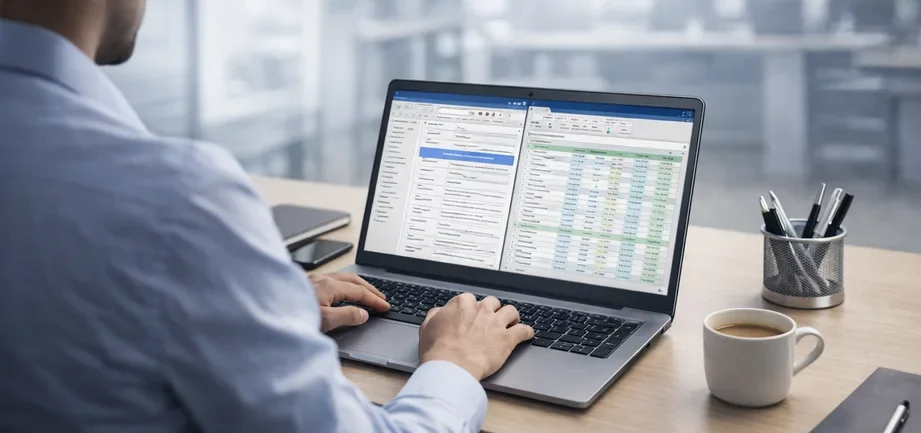
A business laptop is a computer designed for reliable, consistent performance during long work sessions.
It’s built for people who depend on their device daily — not occasionally. The focus isn’t on flashy design or chasing the latest specs, but on creating a stable, dependable tool for professional work without interruptions.
Unlike consumer laptops, which often prioritize appearance or entertainment features, business laptops are designed for real-world productivity and business use.
They’re made to stay responsive throughout the day and handle the kind of workloads that come with earning a living from your laptop.
What Defines a Business Laptop
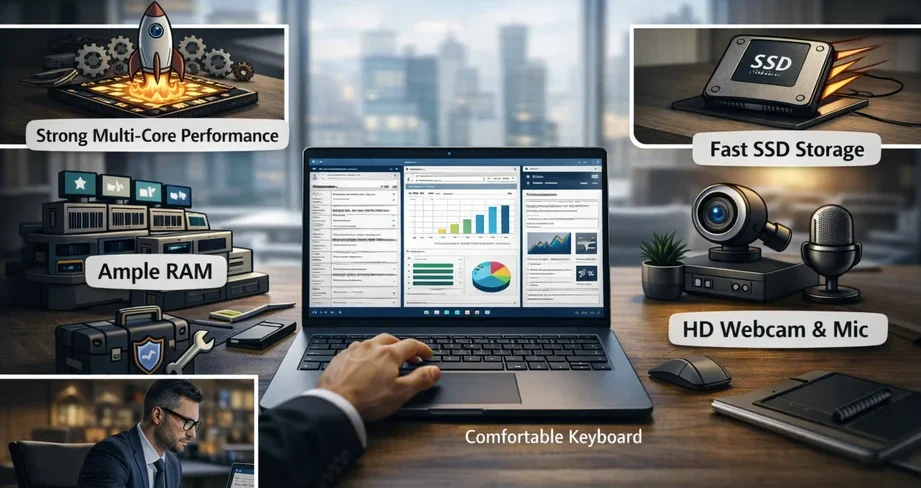
A business laptop is defined by how well it performs under real-world working conditions — not just by its specifications on paper.
Key characteristics include:
These machines are designed to deliver consistent performance under pressure, not just perform well in short bursts.
Why Business Laptops Feel Different in Real Use

On paper, many laptops can look similar. In real use, business laptops feel noticeably different.
The difference comes down to consistent performance.
Instead of short bursts of speed followed by slowdowns, business laptops are designed to stay responsive throughout long work sessions. They handle multitasking more smoothly, manage heat more efficiently, and maintain stable performance even when used for hours at a time.
You’re less likely to experience random lag, system hiccups, or performance drops when switching between tasks like browser tabs, documents, video calls, and productivity tools.
Small details also make a difference over time:
👉 It’s not about being the fastest — it’s about consistent, reliable performance when you need it most.
Key Business Laptop Features (Beyond Specs)
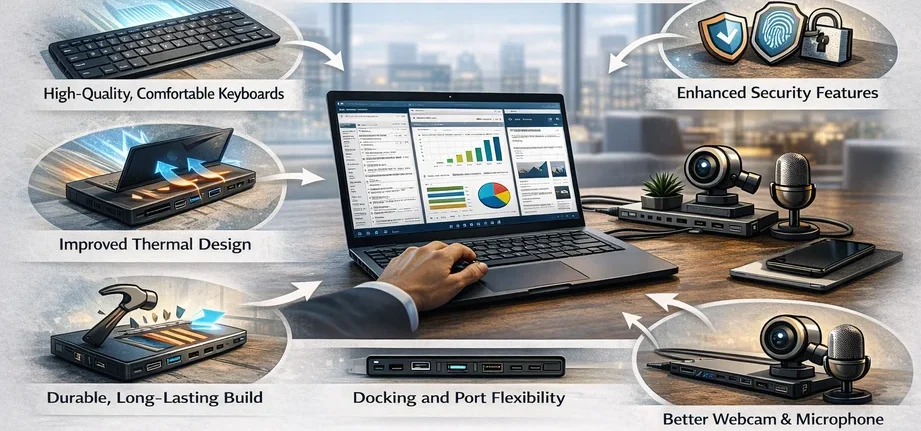
Beyond raw specifications, business laptops include practical features that directly improve everyday work and long-term usability.
These are the details that often go unnoticed at first — but make a significant difference over time.
Key features include:
These aren’t flashy upgrades — they’re practical improvements that make your laptop more dependable for daily professional use.
👉 This is what separates a business laptop from a standard consumer laptop over the long term.
Who a Business Laptop Is For

Business laptops are ideal for people who rely on their device for consistent, professional work and daily productivity.
They’re best suited for:
👉 If your laptop is part of how you make money, a business laptop is the right choice.
🔹 Business Laptop vs Traveler Laptop (Understanding the Overlap)
Business laptops and traveler’s laptops often overlap — and that’s where confusion can happen.
Most people using a traveler’s laptop are still doing business-related work. The difference isn’t what they do, but how and where they work.
A traveler’s laptop is built for people who are constantly on the move. It prioritizes portability, battery life, and flexibility in changing environments like cafés, airports, and hotels.
A business laptop is built for consistent, professional use — regardless of location. It focuses on stability, multitasking, and long-term reliability.
The key difference comes down to mobility vs consistent performance.

💼 How to think about it:
→ Needs both mobility and reliability
→ Typically uses a lightweight business-class laptop (13–14 inch)
→ Prioritizes portability and battery life above everything
→ Best fit: traveler’s laptop
→ Works from home, office, or fixed setups
→ Can comfortably use larger devices (15–16 inch)
→ Best fit: business laptop
👉 Most traveler laptops are effectively business laptops — just optimized for mobility instead of stationary use.
Minimum Specs That Actually Matter
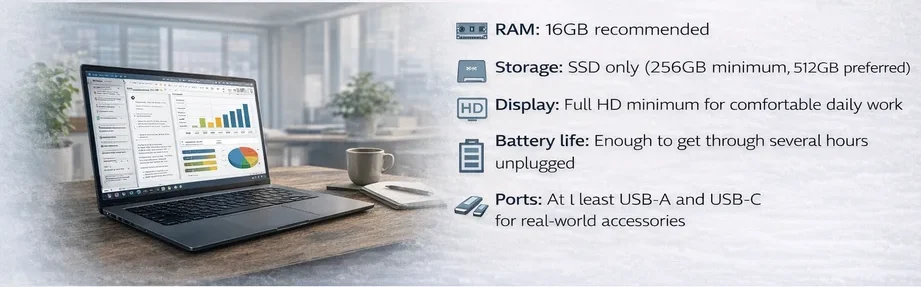
These are realistic minimum specs for smooth, reliable business use and everyday productivity:
Mid-range modern processor (Intel Core i5 / Core Ultra 5 / AMD Ryzen 5 or equivalent)
These specifications allow you to multitask efficiently, attend video calls, manage documents, and run productivity software without constant slowdowns.
What You Can Actually Do on a Business Laptop
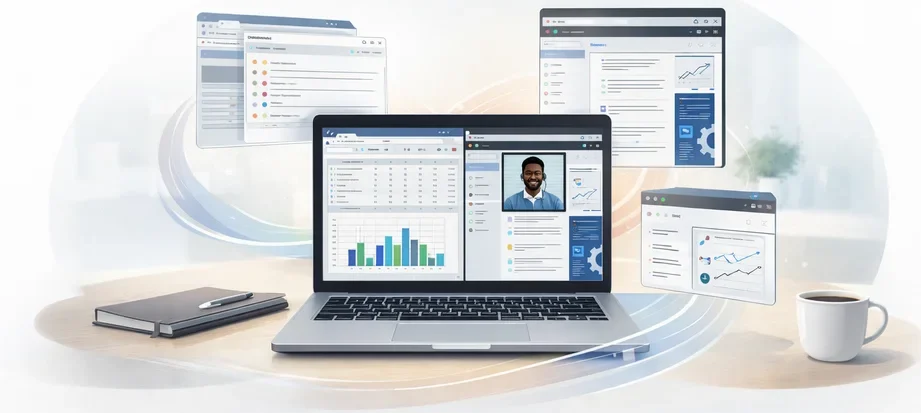
A properly equipped business laptop handles everyday professional workloads and multitasking with ease.
You can:
👉 This is where business laptops stand out: consistent, reliable performance across multiple tasks.
What a Business Laptop Is NOT Designed For
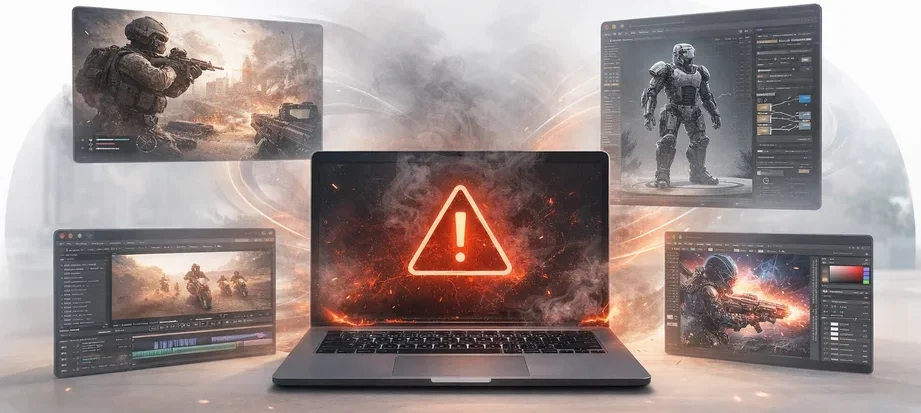
Business laptops are not built for performance-heavy or graphics-intensive workloads.
They are not designed for:
These tasks require dedicated GPUs and higher sustained power output — something business laptops are not optimized for.
👉 They prioritize stability, efficiency, and consistent performance over raw power or gaming capability.
Business Laptop vs Consumer Laptop (Simple Explanation)
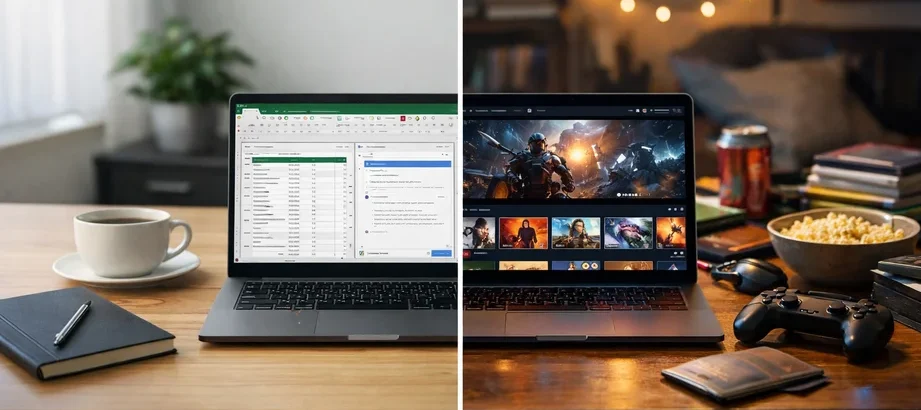
👉 If your income depends on your laptop, a business laptop offers more reliable long-term performance than a typical consumer laptop.
Why Professionals Choose Them
Business laptops:
But over time, they reduce frustration, minimize downtime, and often last longer than cheaper consumer alternatives.
These setups also tend to be simpler and more focused, minimizing distractions and supporting consistent work over time.
👉 If your laptop is a work tool — not a toy — investing in a business laptop makes a real difference.
The Home Desktop Replacement Laptop
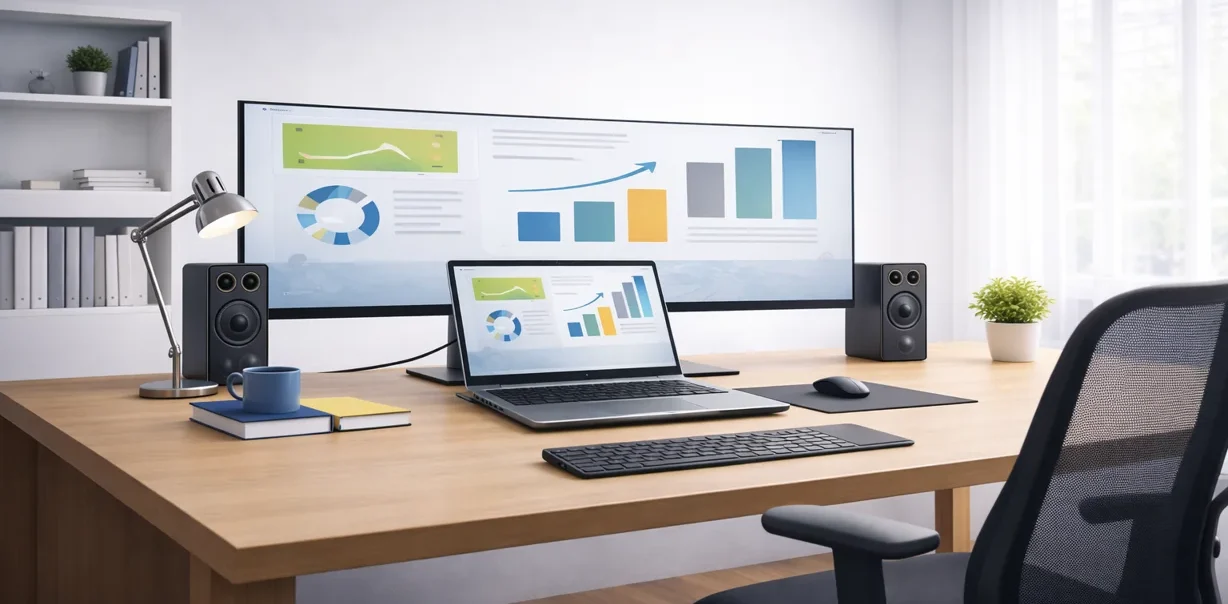
Not everyone wants or needs a traditional desktop computer anymore. A desktop replacement laptop is designed for people who want one powerful machine that can handle daily work, creative tasks, and even demanding applications — without being tied to a desk.
For many users, it’s the best laptop instead of a desktop when you want one device to handle everything.
If needed, you can simply pack up and take it with you, making it a practical choice for anyone considering a laptop instead of a desktop.
This type of laptop is usually larger and heavier than a travel laptop, but it offers stronger performance, bigger screens, and improved cooling. For many people, it becomes their only computer.
What a Desktop Replacement Laptop Is NOT Designed For
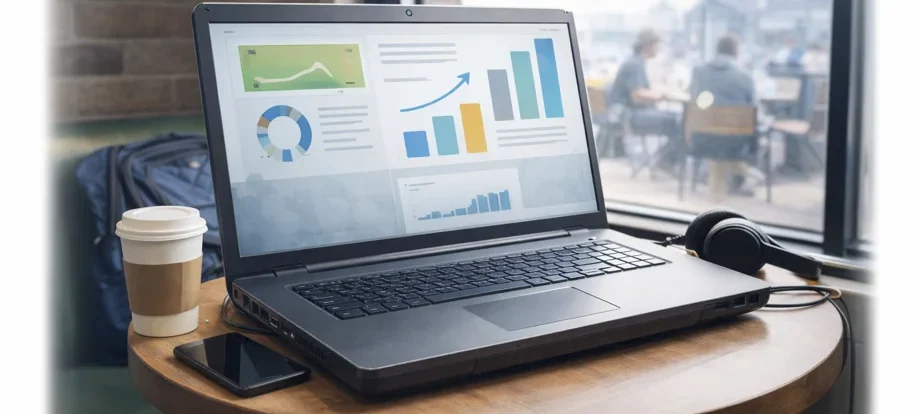
A desktop replacement laptop is not designed for people who prioritize portability above everything else.
It is not the best fit for:
These laptops are built to deliver more power, larger screens, and a more comfortable full-time work experience — but that usually comes with extra weight, reduced portability, and a higher price.
👉 If your priority is having the lightest and most portable laptop possible, a travel laptop usually makes more sense. However, many creators, developers, remote workers, and digital nomads willingly carry a larger laptop because the additional performance, screen size, and multitasking capabilities are worth the trade-off.
Can You Use a Laptop as Your Only Computer?
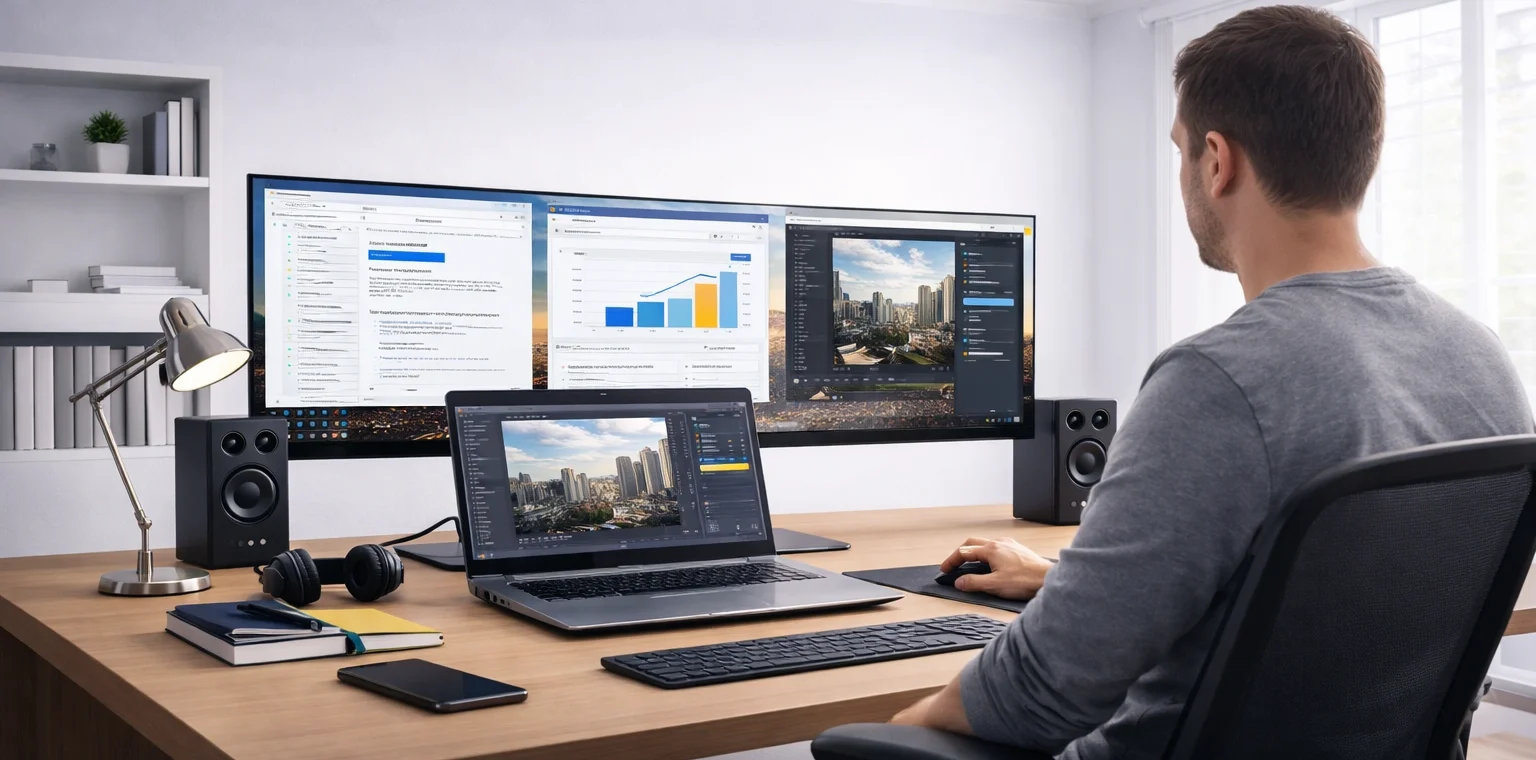
Yes — for most users, a modern laptop can easily replace a desktop computer.
With the right setup (external monitor, keyboard, and mouse), a laptop can function just like a desktop at home or in the office, making it a practical solution if you're considering using a laptop instead of a desktop.
This is exactly where desktop replacement laptops make the most sense.
Typical reasons people choose a laptop instead of a desktop:
What Makes a Laptop a “Desktop Replacement”?
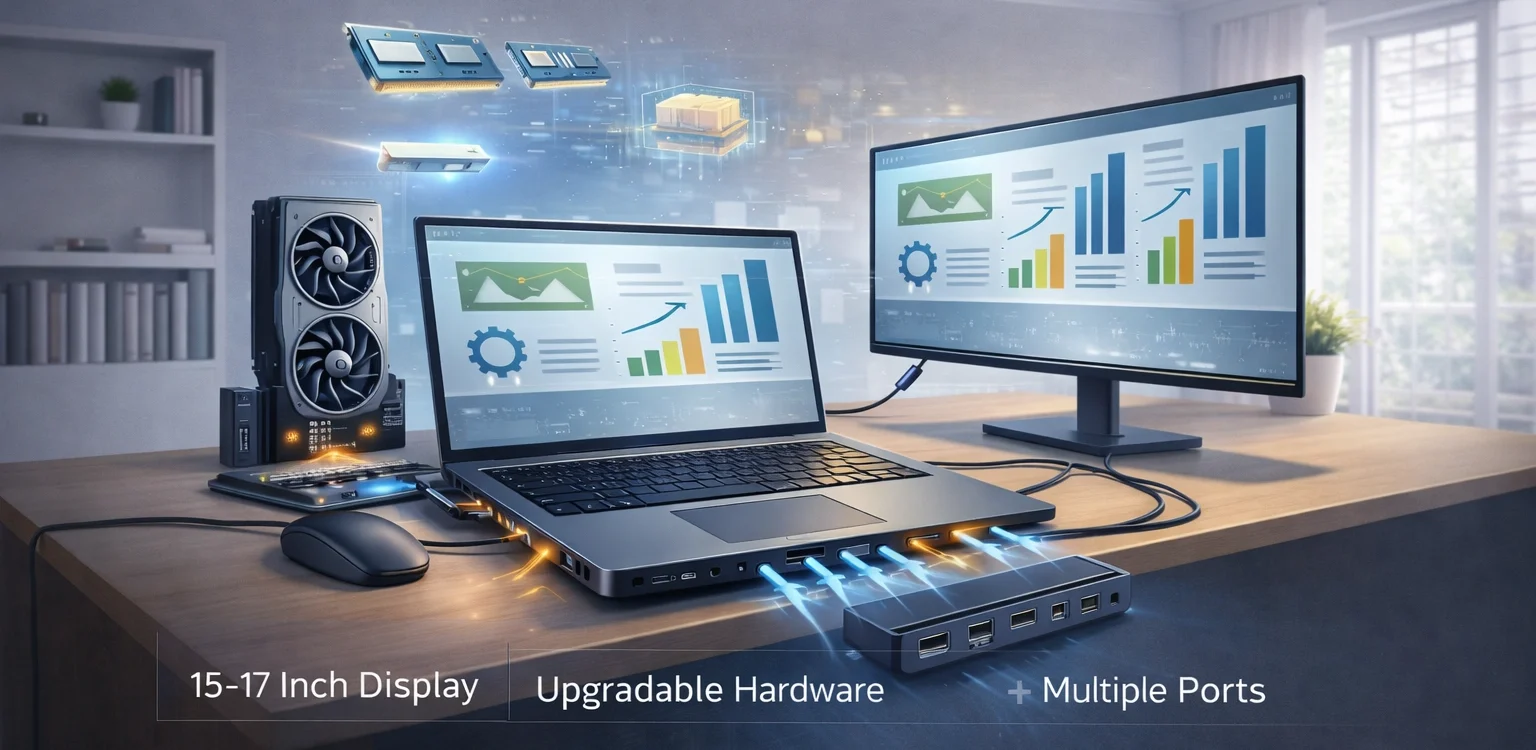
A desktop replacement laptop focuses on performance first, portability second.
Common characteristics include:
👉 These laptops are designed for users who want desktop-level performance without committing to a fixed setup.
Desktop Replacement vs Other Laptops (Simple Explanation)
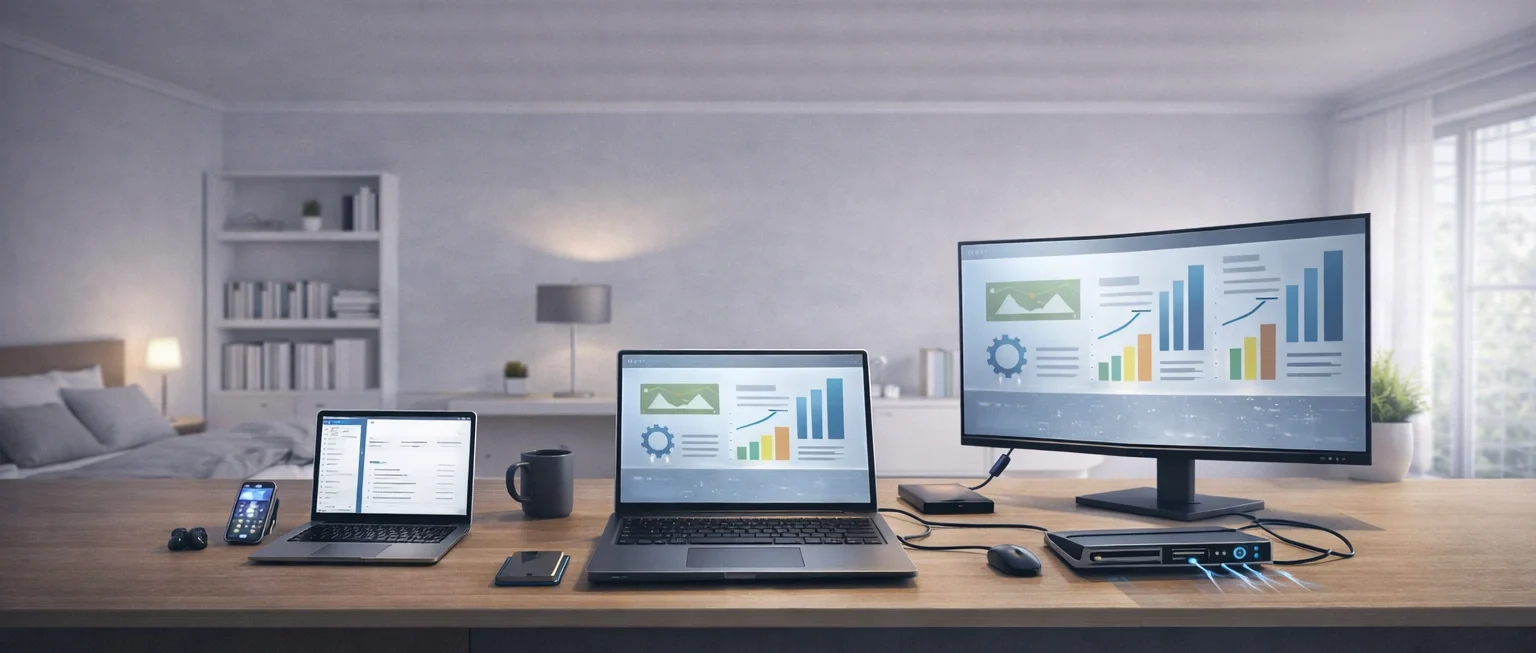
A desktop replacement laptop sits between portability and performance — but leans heavily toward performance.
Compared to other laptop types:
It also overlaps heavily with workstation laptops, which are designed for professional workloads such as engineering, architecture, CAD, 3D modeling, simulation, scientific computing, and other demanding technical applications. In practice, many workstation laptops are specialized desktop replacement laptops built for maximum reliability, performance, and sustained workloads.
Video editors, photographers, designers, developers, engineers, and other professionals frequently choose desktop replacement laptops because they provide desktop-like performance while remaining portable enough to travel with.
One of the best modern examples is the ASUS ProArt P16 . It is a creator-first laptop that combines powerful hardware, dedicated graphics, excellent multitasking performance, and strong portability in a single machine. While it is designed primarily for creative workloads such as video editing, photography, design, and content creation, it is also powerful enough to handle modern AAA games when needed.
This makes it an excellent example of what a modern desktop replacement laptop can be: a single computer capable of handling demanding professional work while still being portable enough for travel, remote work, and everyday use.
👉 If you need something to carry all day, a travel laptop is the better fit.
👉 If you want one powerful machine to handle everything in one place, a desktop replacement laptop makes more sense.
Laptop Instead of Desktop — Pros and Cons
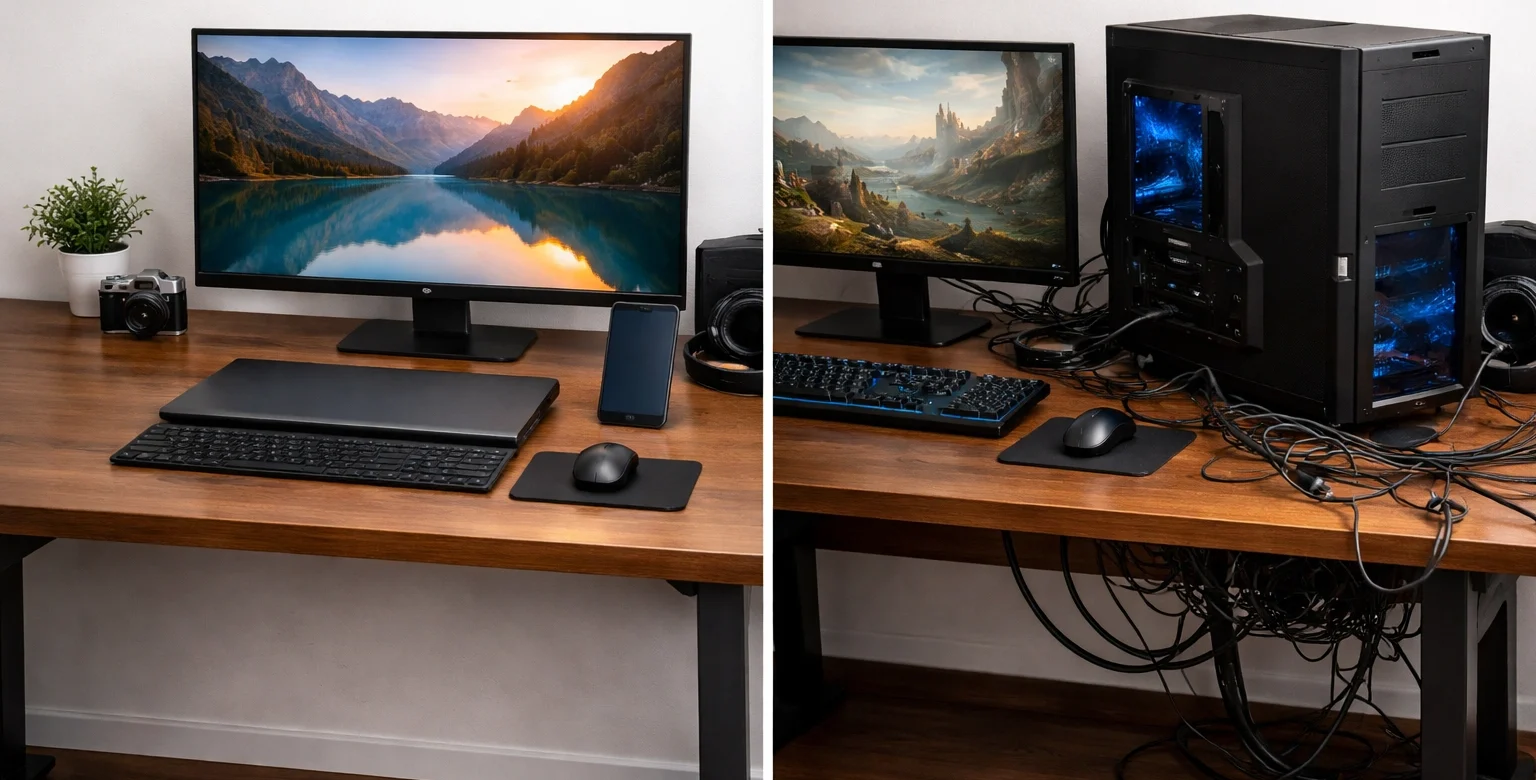
If you’re deciding between a laptop vs desktop, this breakdown highlights the key trade-offs.
👉 A desktop replacement laptop is the better choice if flexibility and space-saving matter more than upgradeability.
Minimum Specs That Make Sense
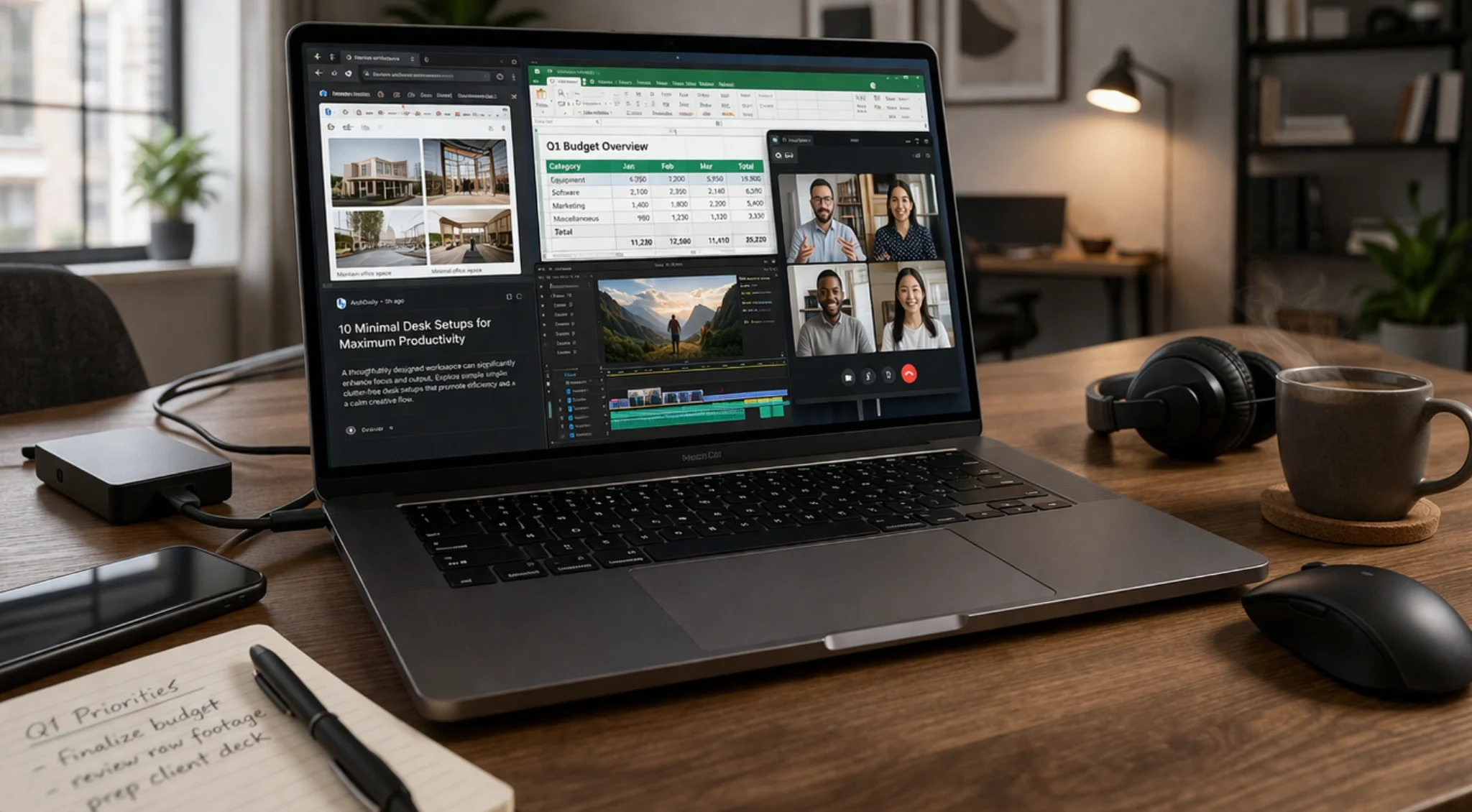
If you’re using a laptop as your main computer or planning to replace a desktop computer, choosing the right specs matters more than usual.
A desktop replacement laptop should typically have:
These aren’t “high-end” requirements — they’re practical baselines for a machine that needs to handle daily work without slowing you down.
👉 If you're using a laptop as your main computer or replacing a desktop, it should feel like an upgrade — not a limitation.
Who Is a Desktop Replacement Laptop For?
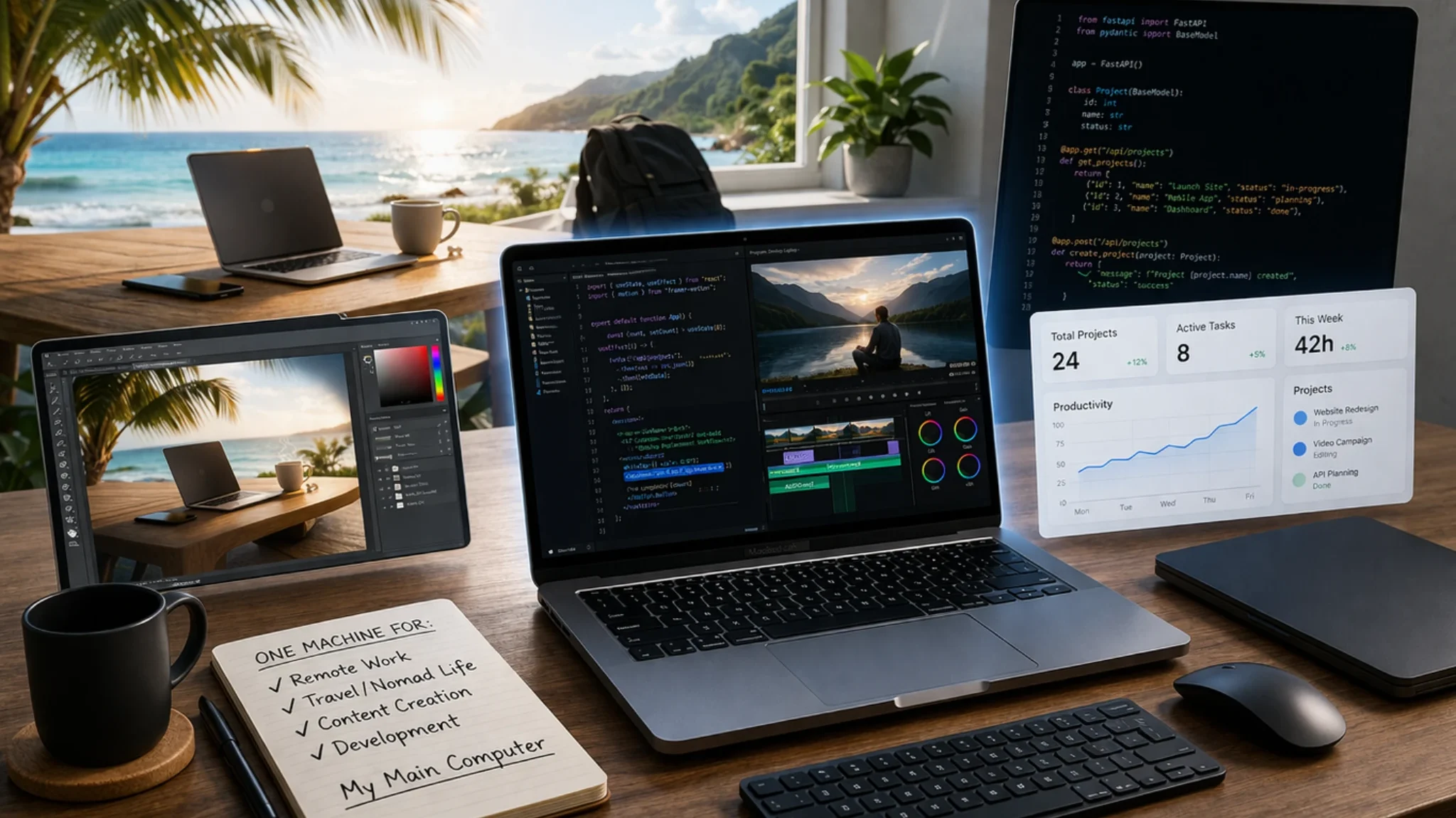
This category is ideal for:
This setup works especially well for anyone using a laptop as their main computer instead of a desktop.
If you prefer having one reliable computer that follows you everywhere, this type of laptop makes a lot of sense.
The Gaming Laptop (Maximum Performance Laptops)
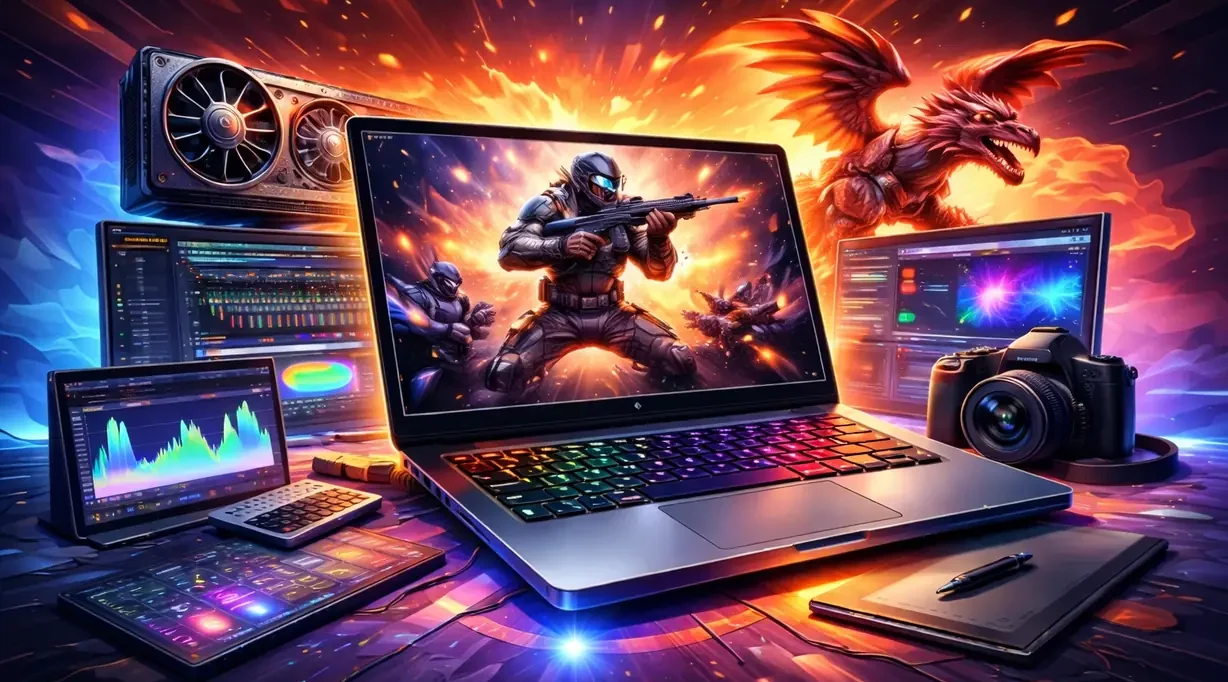
Gaming laptops sit at the very top of the laptop performance ladder.
These are the most powerful — and usually the most expensive — laptops in the mainstream market. They combine high-power CPUs, dedicated graphics, aggressive cooling, and fast displays to deliver extreme performance in a portable package.
Originally built for gaming, this category is now also a popular choice for demanding work like 4K video editing, 3D rendering, complex graphics, and other heavy creative or technical workloads.
👉 If your workflow pushes hardware hard, this is the category built to handle it.
Gaming Laptop vs Other Laptops (Simple Explanation)
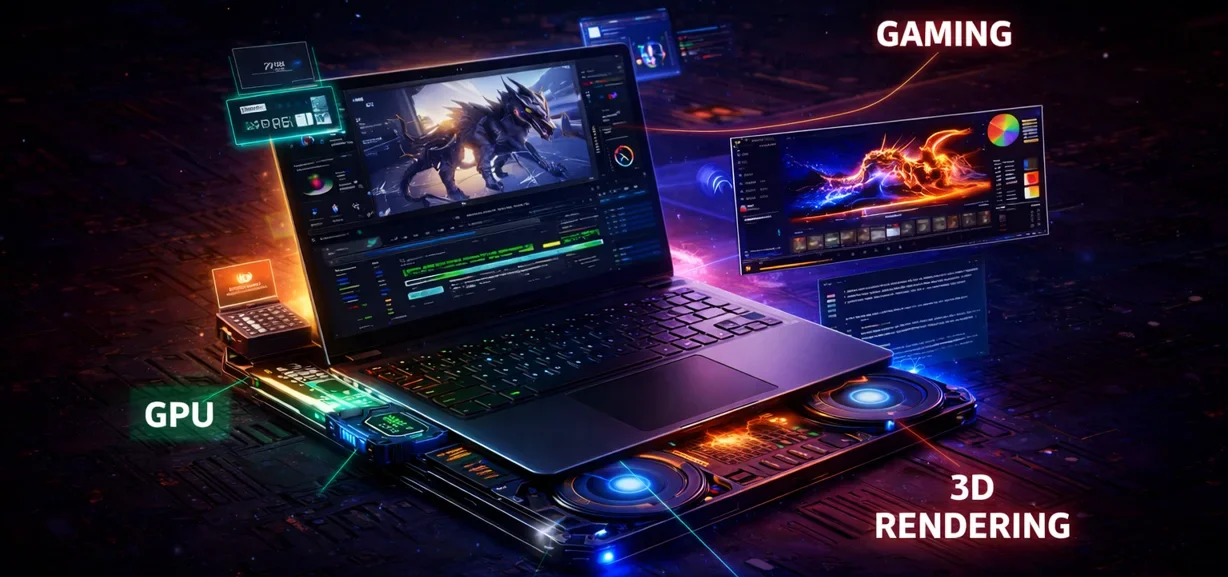
Gaming laptops are built for maximum performance, while other laptop categories prioritize different things.
For example:
👉 If you need your laptop to handle demanding tasks without slowing down, gaming laptops operate in a different performance class from most other laptop categories.
What Defines a Gaming Laptop
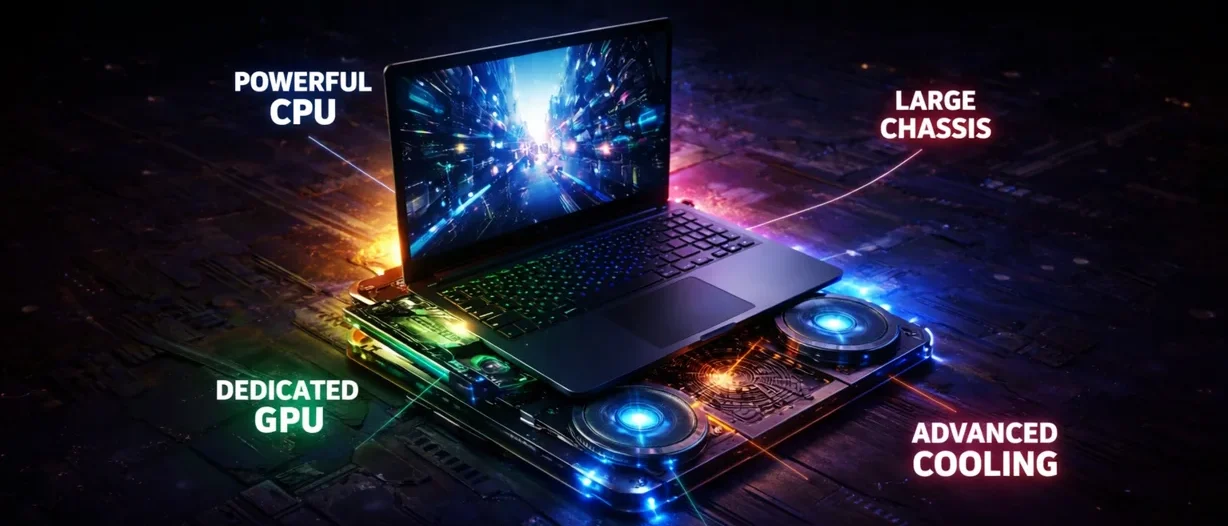
Typical gaming laptop features include:
Gaming laptops prioritize raw performance over portability and battery life. They are built to deliver sustained power, not just short bursts of speed.
What a Gaming Laptop Is NOT Designed For

Gaming laptops are NOT ideal if your priority is:
They trade elegance, portability, and battery life for raw performance.
Gaming Laptop vs Desktop (Quick Context)
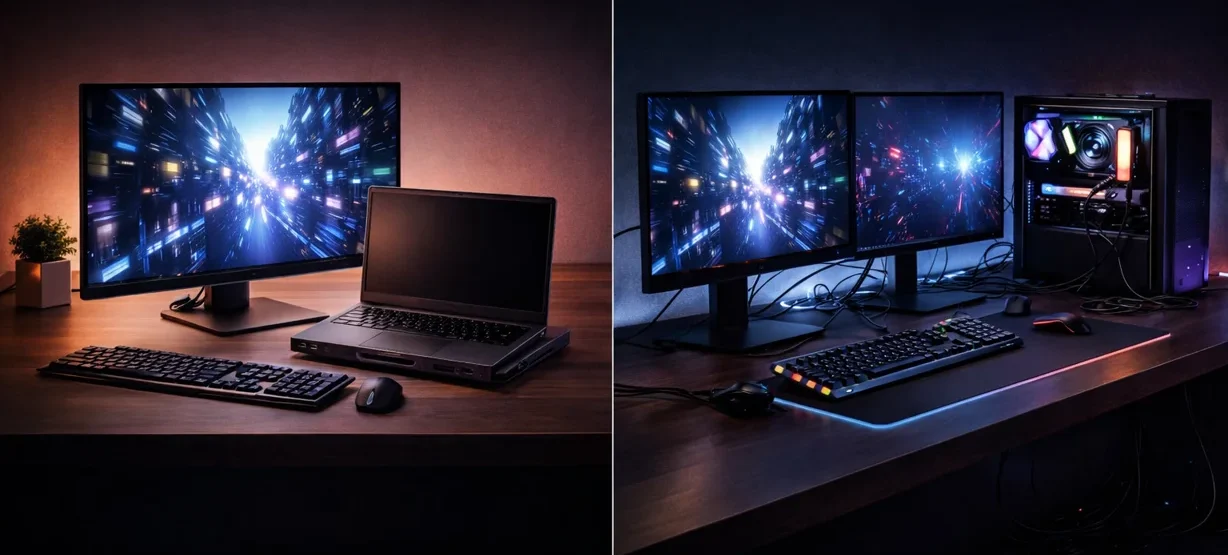
Gaming laptops are the closest thing you can get to a true desktop replacement in a portable form.
They give you enough power to handle demanding workloads — from gaming to video editing to 3D work — without needing a separate desktop setup.
A traditional desktop will still usually offer:
But a gaming laptop gives you something a desktop cannot: mobility
👉 For many people, a gaming laptop becomes their only computer, replacing the need for a full desktop while still delivering high-end performance in a portable setup.
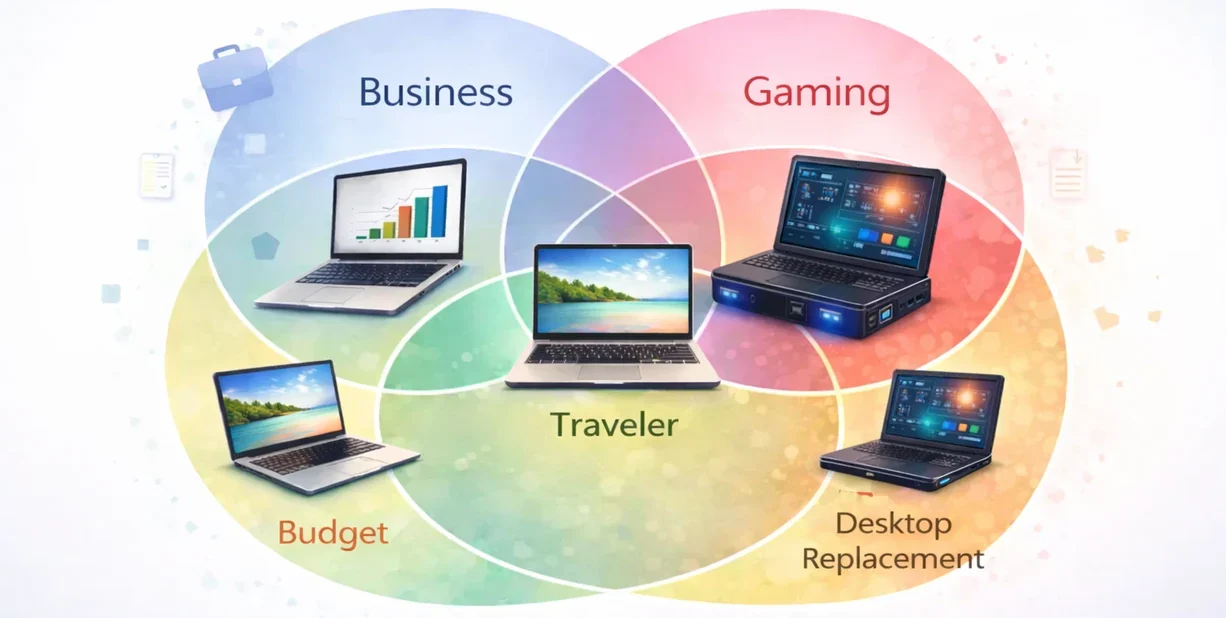
The One Exception: Gaming Laptops
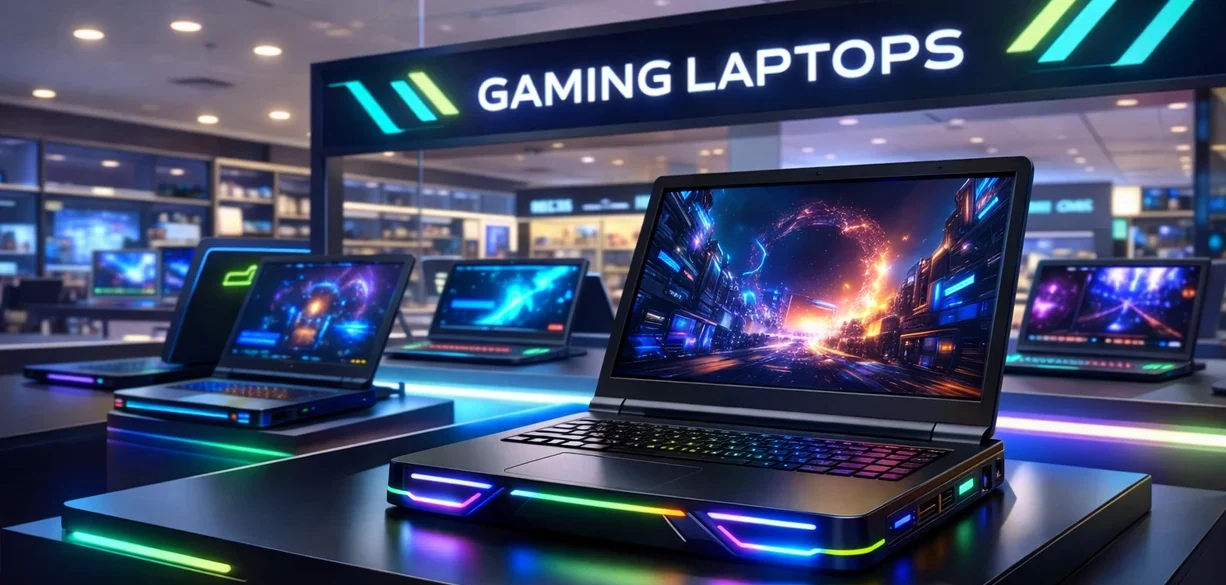
Gaming laptops are the one category that truly stands on its own in the real world.
They are also the one type of laptop you can usually walk into a tech store and find clearly separated in its own section.
That is because gaming laptops are built around a very specific hardware formula:
- Powerful dedicated graphics
- High refresh rate displays
- Aggressive cooling systems
- Maximum performance
Because of that, they are treated as a clear product class of their own.
They are also usually among the most expensive laptops you can buy. And while they are marketed for gaming, they are often used for much more than that, including:
- High-resolution video editing
- 3D rendering
- Motion graphics
- Other heavy creative workloads
They exist as a separate class because their hardware requirements are more specialized than those of most other laptops.
Every other category overlaps far more.
A Quick Reality Check
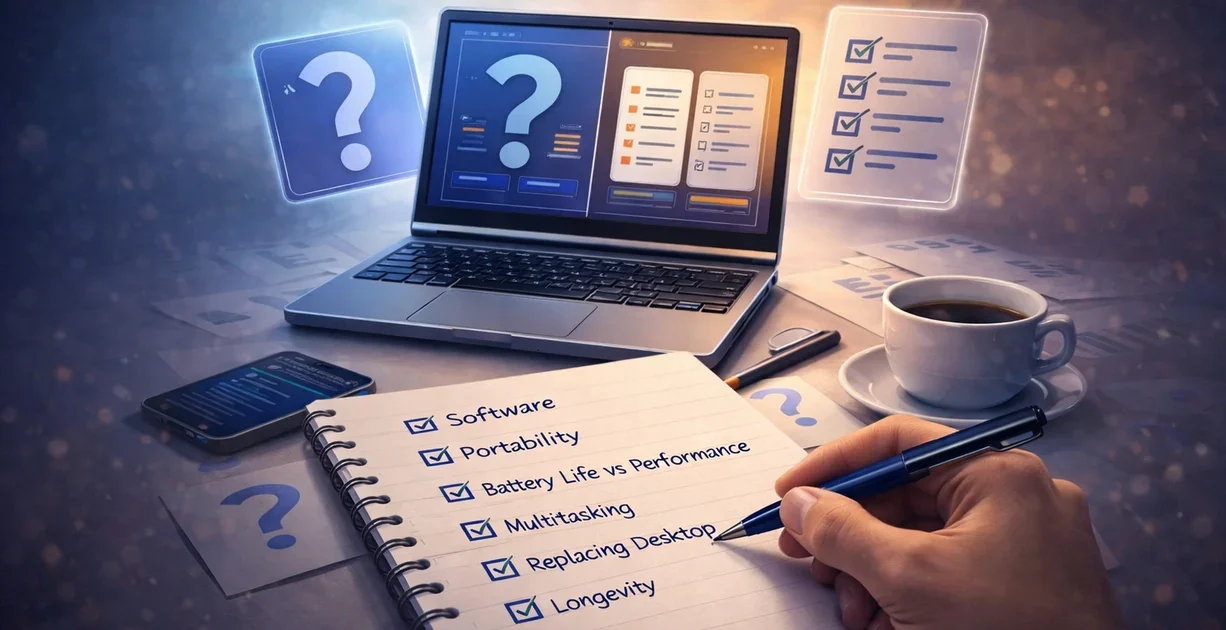
Instead of asking:
“Which category should I buy?”
Ask yourself:
- What software will I run?
- How portable does it need to be?
- Do I care more about battery life or raw performance?
- Will I be multitasking heavily?
- Is this replacing a desktop?
- How long do I expect to keep this laptop?
Once you answer those questions, the right type of laptop usually becomes much easier to identify — regardless of which category it is placed in.
More expensive does not automatically mean better for your needs.
These categories simply give you a framework.
Your actual needs make the final decision.