
Home

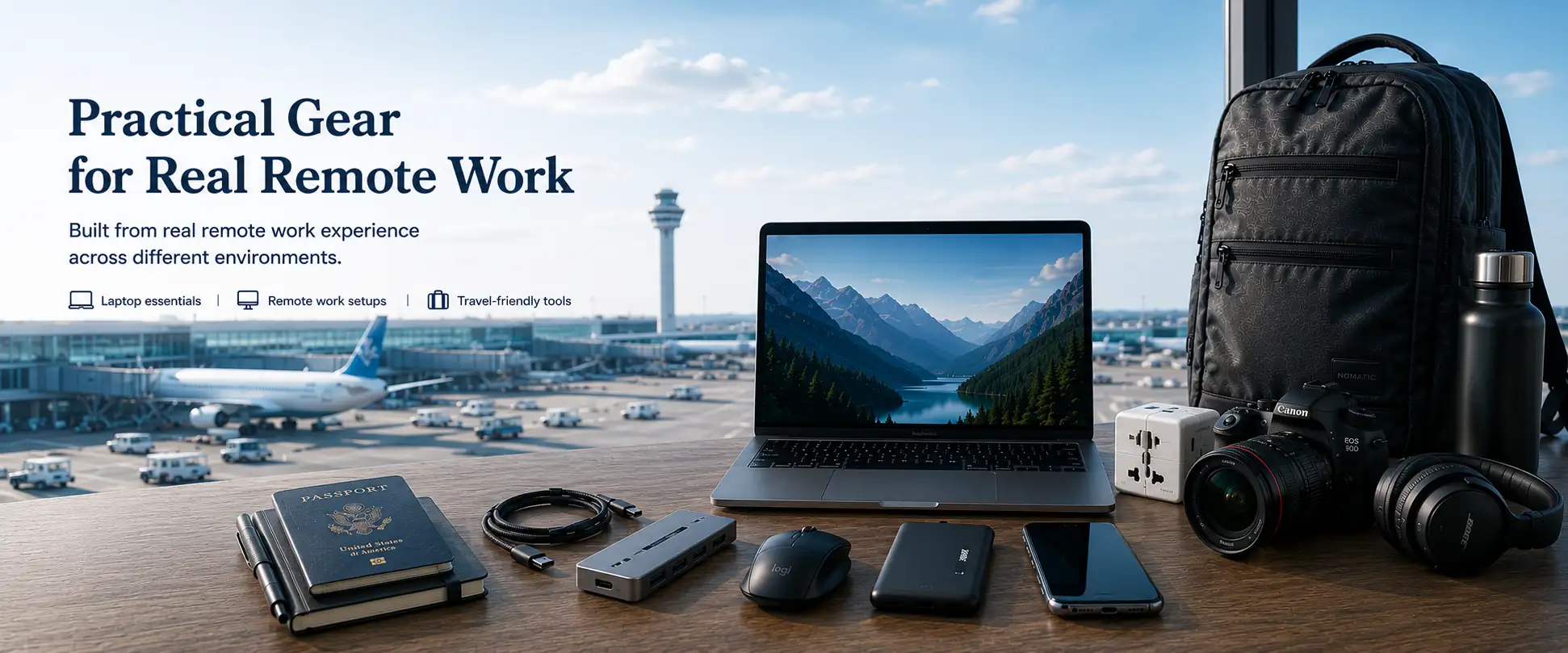
Remote work gear setup with laptop, travel backpack, passport, camera, smartphone and accessories at an airport

A Practical Approach to Digital Nomad Gear

Working remotely from different locations quickly teaches you that not all nomad gear is created equal. Some tools make life easier. Others just add weight and frustration.

It becomes clear that not all digital nomad gear is equally important either.

The laptop remains the foundation of any remote work setup. You can adapt to different desks, environments, and accessories — but if your laptop isn’t reliable, productive work becomes difficult very quickly.

That’s why this site places special focus on laptops. Everything else — from accessories to travel-friendly tools — is built around the laptop, not the other way around. Read more about the importance of a laptop here.

As a remote worker you need to create a dependable workflow that supports real remote work, not just the idea of it. 

Whether you’re new to remote work or refining your current setup, you’ll find clear, informational guides based on real-world use rather than hype or marketing. Choosing the right laptop is one of the most important technology decisions a digital nomad can make.

If you’re just getting started, you don’t need everything at once — you just need the right foundation.

So start here:

Step 1: Choose Your Platform

If you're choosing a laptop for remote work, the most important decision is the platform you want to build your setup around. The guides below explain each ecosystem so you can choose the one that best fits how you work.

Apple macOS platform icon
Apple Laptop Guide
Understand the MacBook lineup, Apple Silicon chips, memory, storage, and how macOS fits into a remote work setup.
Explore the MacBook Guide →
Windows laptop platform icon
Windows Laptop Guide
Explore how Windows laptops differ across manufacturers, hardware configurations, and upgrade options to find a system that matches your workflow.
Explore the Windows Guide →

Step 2: Explore Laptop Categories

Before choosing a specific model, it helps to understand the different types of laptop categories and who they’re designed for.

Step 3: Before you buy

You now understand the different platforms and laptop categories. The next guide is a laptop buying checklist we created to choose a laptop that matches your needs. This will help you narrow down your options and make a more informed purchase decision.

Start Learning

Whether you’re buying your first laptop, switching platforms, or upgrading an older machine, the goal of this site is simple:

Help you understand what matters, avoid common mistakes, and choose the right laptop for the way you actually work.

You can explore all guides but I would start in this order: 

  1. Apple laptop guide or Windows laptop guide
  2. Laptop categories and their differences
  3. Laptop buying checklist

Who This Site Is For

This site is for people who rely on their laptop to work remotely and want tools that support a flexible lifestyle.

You might be:

• someone starting your journey into remote work
• a digital nomad building a reliable travel setup
• a professional working from different locations
• or someone simply trying to choose the right laptop without getting lost in technical marketing

If your goal is to work from different environments while keeping your setup simple and dependable, the guides on this site are designed to help you make clearer decisions.

Rather than focusing on hype or the newest specifications, the goal is to explain what actually matters in real-world use so you can choose tools that fit the way you work.