
Disclosure: As an Amazon Associate, Best Digital Nomad Gear earns from qualifying purchases. This does not affect our reviews or recommendations. We only recommend products we believe provide genuine value to our readers.
Intel or AMD?
Those choices affect:
performance
graphics
AI capability
battery life
long-term value
This review compares:
✔ Intel vs AMD
✔ Gen 7 vs Gen 6
✔ Real-world performance
✔ Which configuration is worth buying
💻 ThinkPad T14s Gen 7 Specifications (Intel vs AMD)
| Feature | Intel Version | AMD Version |
|---|---|---|
| CPU Options | Core Ultra 5 / Core Ultra 7 | Ryzen AI 5 PRO / Ryzen AI 7 PRO |
| Maximum Cores | Up to 16 Cores | Up to 12+ Cores |
| Maximum Boost Clock | Up to ~5.3GHz | Up to ~5.1GHz |
| AI Performance | Intel AI Boost | Up to 66 TOPS |
| Graphics | Intel Integrated Graphics | Radeon 840M / 860M / 890M |
| Memory | Up to 64GB LPDDR5X (Soldered) | Up to 64GB LPDDR5X (Soldered) |
| Storage | Up to 2TB PCIe Gen4 SSD | Up to 2TB PCIe Gen4 SSD |
| Battery | 58Wh | 58Wh |
| Weight | Starts Around 1.1kg (2.42 lbs) | Similar |
| Ports | 2× Thunderbolt 4, 2× USB-A, HDMI 2.1 | 2× USB4, 2× USB-A, HDMI 2.1 |
| Best For | Developers, Office Professionals, Business Users, and Productivity Workflows | Remote Workers, Multitaskers, AI Workloads, and Long-Term Productivity |
Important:
• RAM is soldered on both versions.
• If you expect heavier workloads years later, choosing more RAM upfront matters.
• The SSD remains replaceable.
⚖️ ThinkPad T14s Gen 7 Intel vs AMD: Which Model Should You Buy?
This is probably the biggest buying decision.
Not:
Should you buy the ThinkPad T14s Gen 7?
Instead:
Which ThinkPad T14s Gen 7 should you buy?
The answer depends heavily on workload.
🏢 Choose Intel if:
✔ You prioritize business workloads
✔ Enterprise compatibility matters
✔ You want higher-end CPU options like the Core Ultra 7 366H (16 cores)
✔ Your work involves heavier multitasking
🎨 Choose AMD if:
✔ You want stronger integrated graphics
✔ AI capability matters
✔ Light creative workloads or multiple displays are important
✔ You prefer Radeon 860M/890M graphics potential
👨💻The Short Answer
Choose:
Intel if:
You prioritize:
business workflows
enterprise use
higher CPU options
Choose:
AMD if:
You value:
graphics
AI performance
potentially stronger integrated GPU performance
Neither is automatically better.
The better option depends on your workload.
📈 ThinkPad T14s Gen 7 vs Gen 6: Should You Upgrade or Buy the Older Model for Less?
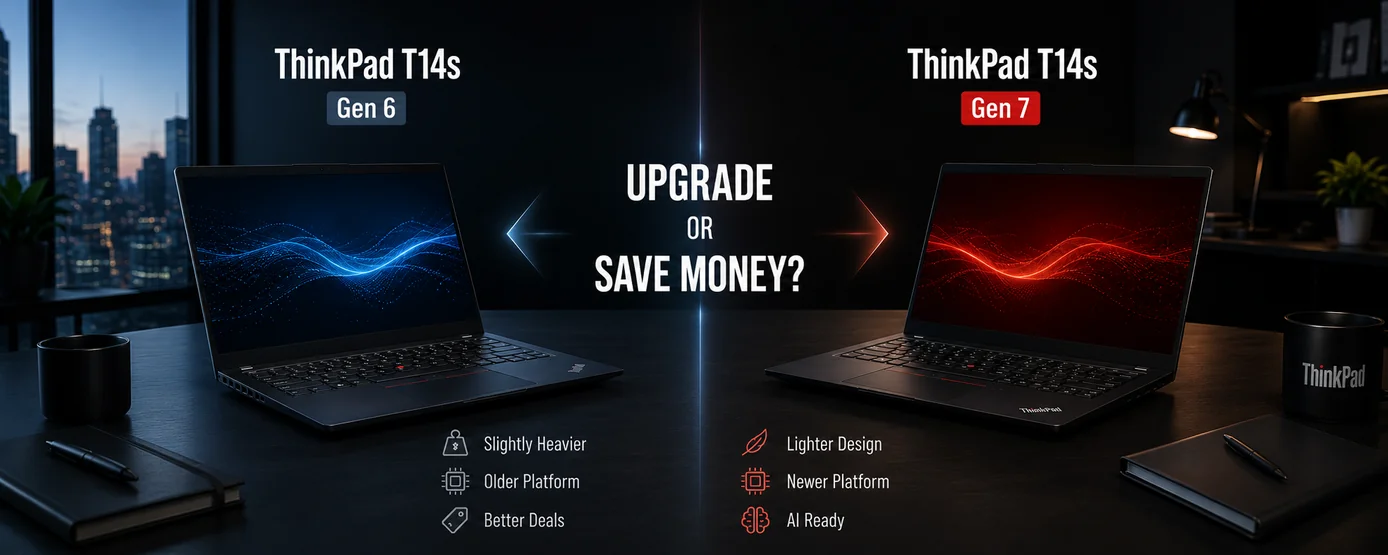
At first glance:
ThinkPad T14s Gen 7 and Gen 6 look surprisingly similar.
Both offer:
- 58Wh batteries
- Soldered RAM
- Replaceable SSDs
- Lightweight designs
- Business-focused features
The differences become clearer after looking deeper.
| Feature | Gen 6 | Gen 7 |
|---|---|---|
| Weight | Starts ~1.24kg (2.72 lbs) | Starts ~1.1kg (2.42 lbs) |
| CPU generation | Older Intel Core Ultra / Ryzen AI | Newer Intel Core Ultra 200 + Ryzen AI PRO 400 |
| AI capability | Lower | Higher |
| Battery | 58Wh | 58Wh |
| RAM | Up to 64GB, soldered | Up to 64GB, soldered |
| Storage | Up to 2TB SSD | Up to 2TB SSD |
| Ports | Similar | Similar |
| Repairability | Good | Improved servicing focus |
The biggest upgrades appear to be:
✔ Lighter chassis
✔ Newer processors
✔ Lighter chassis
✔ Newer processor architectures
✔ Improved AI capability
✔ Better efficiency potential
What did not dramatically change:
battery size
RAM upgradeability
storage limits
core ThinkPad experience
That matters because not every generation deserves an automatic upgrade.
🔄 Who Should Upgrade From Gen 6?
Gen 7 makes more sense if:
✔ You want newer AI features
✔ You prioritize portability
✔ Your workload benefits from newer CPUs
✔ You expect to use the laptop heavily over time
The lighter design alone may matter for:
frequent travel
daily commuting
hybrid work
💰 When Buying a Discounted Gen 6 Might Be Smarter
This is where buyers should think carefully.
Imagine:
ThinkPad T14s Gen 6 + 64GB RAM + discount
vs:
ThinkPad T14s Gen 7 + 32GB RAM
For workloads such as:
office work
programming
remote work
browsing
documents
the older model could potentially offer:
better overall value
if pricing differences become large.
Buyers should ask:
Would newer hardware improve your workflow more than extra RAM or savings?
🔋 Has Battery Life Improved from ThinkPad T14s Gen 6 to Gen 7?
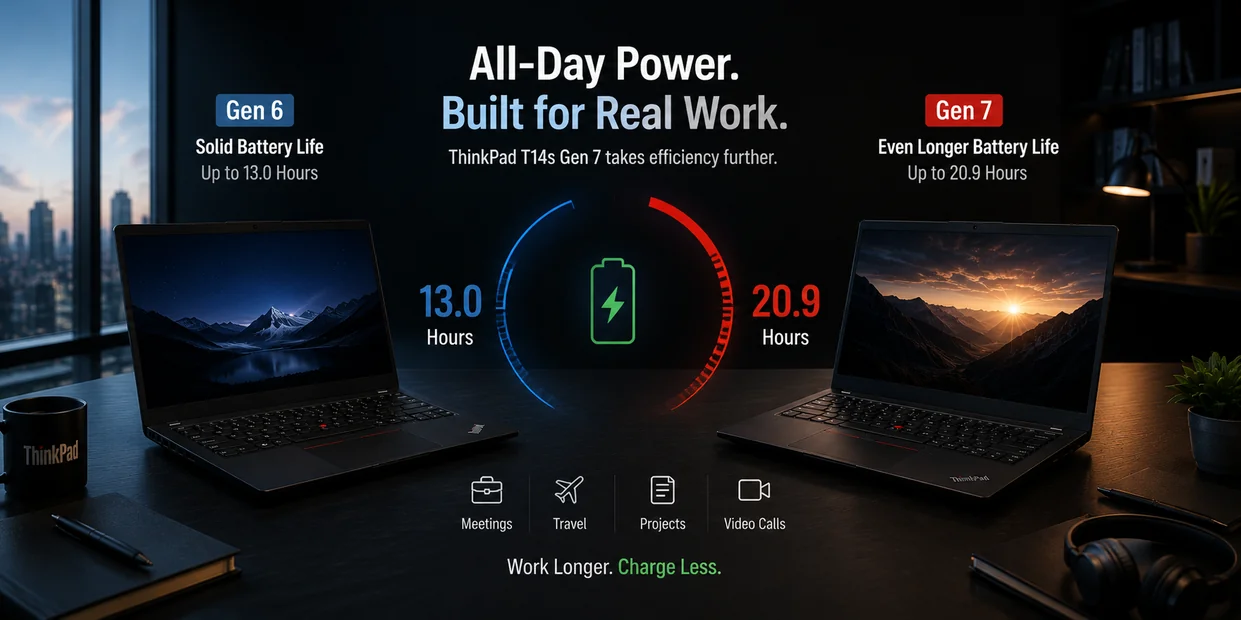
Battery capacity alone does not tell the full story because both generations commonly use similar 58Wh batteries.
The bigger difference comes from:
- newer Intel Core Ultra and AMD Ryzen AI processors
- platform efficiency improvements
- display configuration choices
That means some ThinkPad T14s Gen 7 configurations may deliver noticeably better battery performance in real-world productivity workloads compared to older models.
However, buyers should remember:
an older discounted Gen 6 with higher RAM or storage may still provide better overall value than a newer Gen 7 configuration with lower specifications.
For many business users, the decision becomes:
longer potential battery life and newer hardware
vs
saving money on a discounted older generation
The better choice depends on workload, ownership expectations, and budget.
🚀 Performance in Real Work
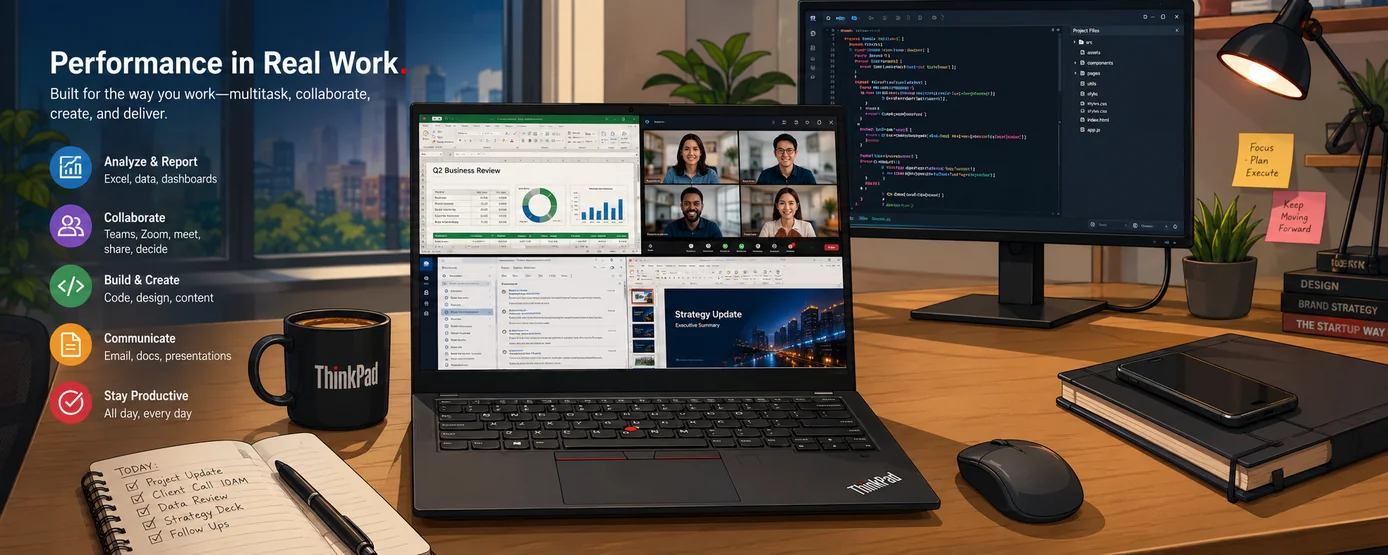
Specifications explain possibilities.
Daily workloads determine ownership experience.
For most ThinkPad T14s buyers, workloads look more like:
40 browser tabs
Teams meetings
Excel
coding
email
multiple monitors
rather than:
4K rendering
AAA gaming
That changes what performance actually means.
👨💻 Is the ThinkPad T14s Gen 7 Good for Programming?
Yes.
For many developers:
the ThinkPad line remains popular because of:
keyboard quality
portability
business reliability
Linux interest
long-term usability
Programming workloads vary.
Someone learning:
Python
JavaScript
web development
has very different needs compared to:
virtual machines
AI workloads
large compiling tasks
Higher-end CPUs like:
Core Ultra 7 366H
or:
Higher-end Ryzen AI PRO configurations
provide more headroom for heavier workflows.
🌐 Is the ThinkPad T14s Gen 7 Good for Office & Remote Work?
Yes — this is arguably the laptop’s strongest use case.
Tasks like:
- spreadsheets
- documents
- Teams meetings
- browsers
- multitasking
align closely with what ThinkPads traditionally target.
Remote work also places emphasis on:
battery
typing comfort
portability
multiple applications running simultaneously
This is where the ThinkPad T14s generally performs best.
🔋 Battery, Keyboard & Long-Term Comfort

The ThinkPad T14s Gen 7 uses:
58Wh batteries
on both Intel and AMD models.
Lenovo testing suggests:
up to:
19+ hours
in certain scenarios, with significantly longer local video playback in efficient configurations.
Real-world battery life depends heavily on:
display choice
brightness
workload
For example:
A:
2.8K OLED + high brightness + video calls
will behave very differently compared with:
WUXGA low-power IPS + documents
Battery expectations should reflect actual use.
⌨️ Keyboard Experience
Keyboard quality remains one of the biggest reasons professionals continue choosing ThinkPads.
Long typing sessions:
emails
reports
coding
make comfort more important than benchmark scores.
Preferences remain subjective, but ThinkPad keyboards continue carrying a strong reputation.
✈️ Portability Matters More Over Time
🔌 Ports & Upgradeability
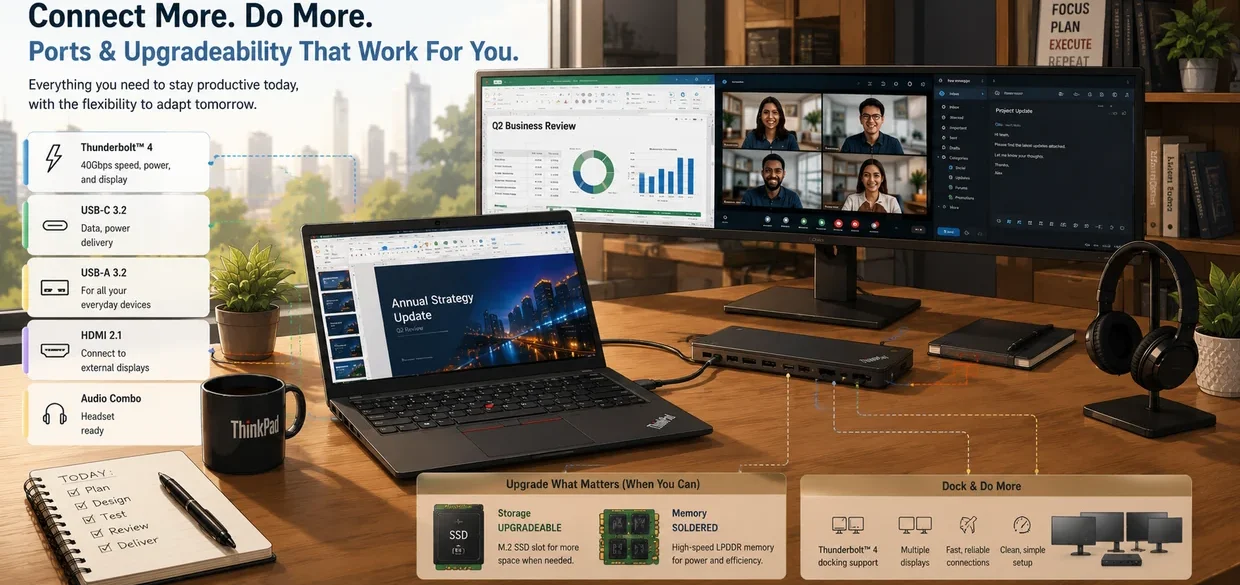
Connectivity remains practical rather than minimalist.
ThinkPad T14s Gen 7 Ports
- 2× Thunderbolt 4 / USB4 (40Gbps)
- 2× USB-A (one Always On)
- 1× HDMI 2.1
- 1× 3.5mm combo jack
- Optional Nano SIM
- Optional Smart Card reader
- Kensington Nano Security Slot
That supports:
external displays
docks
office environments
without excessive adapters.
Upgradeability
RAM:
❌ Not upgradeable
Storage:
✅ SSD replaceable
Battery:
✅ Customer replaceable
That means:
choosing enough RAM initially matters.
👥 Who Should Buy the ThinkPad T14s Gen 7?
This laptop makes the most sense for:
✅ Remote workers
✅ Programmers
✅ Frequent travelers
✅ Business users
✅ Office productivity workloads
✅ Professionals planning to keep a laptop several years
It may be less ideal for:
❌ Serious gaming
❌ Heavy GPU-focused creative work
❌ Buyers seeking maximum graphics performance
🏁 Final Verdict
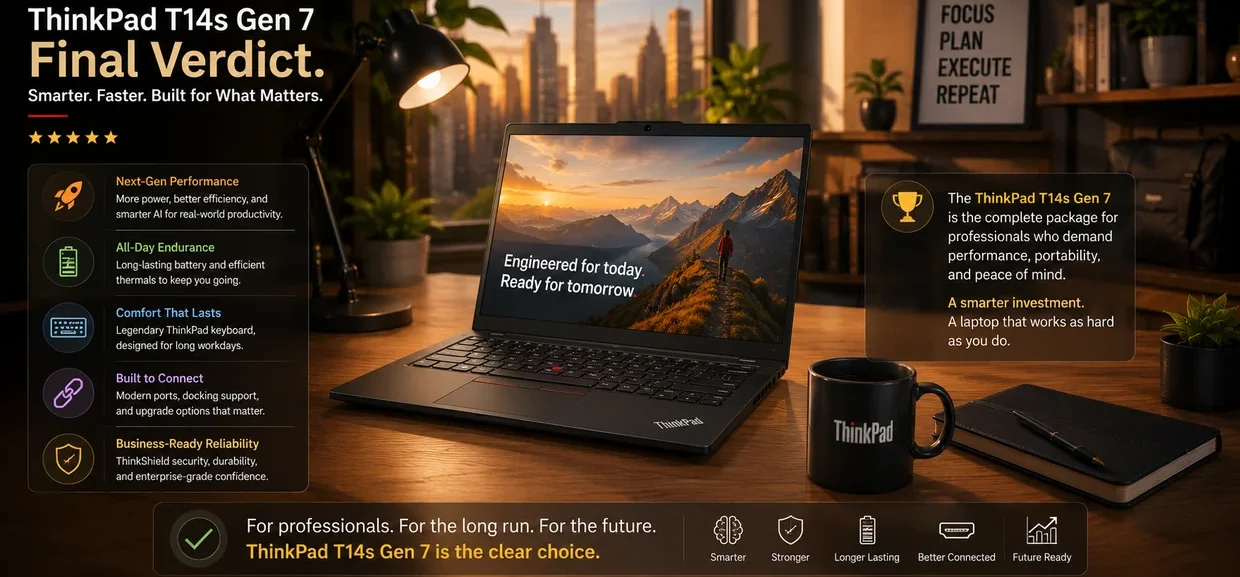
The ThinkPad T14s Gen 7 is not trying to become:
the fastest laptop
or:
the most exciting laptop.
Its strength remains:
being a lightweight, practical business machine designed around years of productivity.
A more useful question is:
Which ThinkPad T14s Gen 7 configuration makes the most sense for your workload?
For many buyers:
that choice between:
Intel vs AMD
may influence ownership more than choosing Gen 6 vs Gen 7.
The Gen 7 feels more like an incremental update than a major redesign.
That is not necessarily bad.
ThinkPad buyers often value:
consistency
reliability
practicality
more than dramatic changes.
Buy if:
You want:
✔ Productivity-focused work
✔ Remote work performance
✔ Strong portability
✔ Business-focused design
Consider alternatives if:
You prioritize:
✘ Gaming
✘ Heavy creative workloads
✘ Maximum graphics power
❓ Frequently Asked Questions

Is ThinkPad T14s Gen 7 RAM upgradeable?
No.
RAM is soldered.
Choose carefully when buying.
Is ThinkPad T14s Gen 7 SSD upgradeable?
Yes.
Storage remains replaceable.
Which ThinkPad T14s Gen 7 CPU should I buy?
For heavier multitasking:
Higher-end Intel Core Ultra 7 configurations
make sense.
For stronger integrated graphics:
Higher-tier AMD Ryzen AI models
may appeal more.
Is 16GB RAM enough for ThinkPad T14s Gen 7?
For:
browsing
office work
documents
usually:
Yes
For:
programming
heavy multitasking
longer ownership
consider:
32GB+
Is the ThinkPad T14s Gen 7 good for programming?
Yes — especially for web development, scripting, office-related coding, and general software development.
Higher-end configurations with:
- more RAM
- stronger CPUs
- newer Ryzen AI or Core Ultra chips
provide more headroom for heavier workloads such as:
virtual machines
large projects
AI workloads
Is the ThinkPad T14s Gen 7 good for remote work?
Yes.
Remote work often involves:
video calls
documents
multiple browser tabs
email
external displays
Those are areas where the ThinkPad T14s traditionally performs well because of its:
keyboard
portability
battery life
business-focused design
Which ThinkPad T14s Gen 7 display is best for office work?
Choose the WUXGA IPS (400–500 nits) if your priorities include:
✔ Battery life
✔ Documents
✔ Excel
✔ Programming
✔ Long workdays
Choose:
2.8K OLED (120Hz) if you prioritize:
✔ Better visuals
✔ Media consumption
✔ Higher color accuracy
The OLED display may reduce battery life compared to lower-power IPS options.